Advanced
7 guides
-
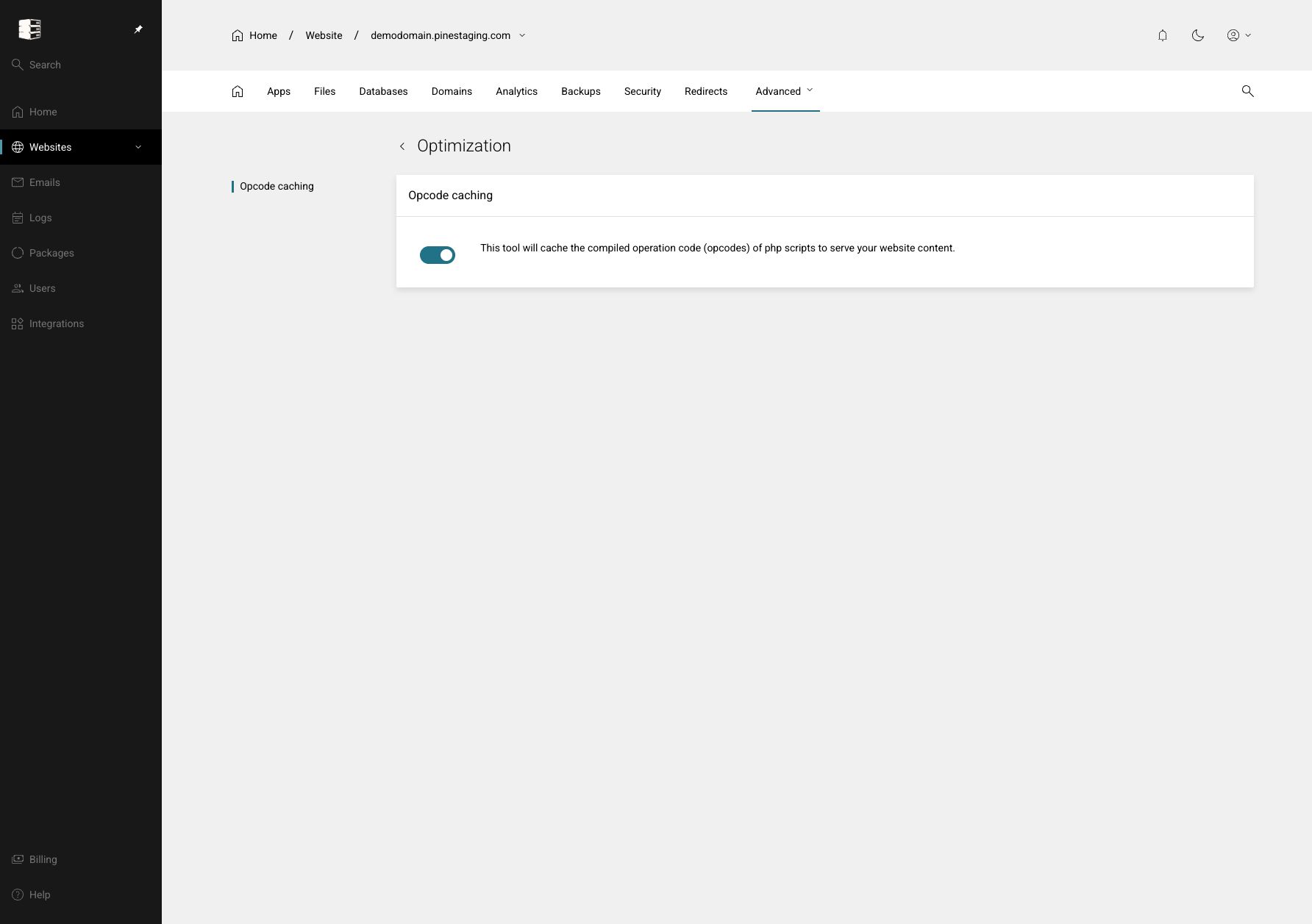 Optimise website performance
Turn PHP opcode caching on or off so PHP can reuse compiled code instead of rebuilding it on every request.
Websites → your website → Advanced → Optimisation
Optimise website performance
Turn PHP opcode caching on or off so PHP can reuse compiled code instead of rebuilding it on every request.
Websites → your website → Advanced → Optimisation
-
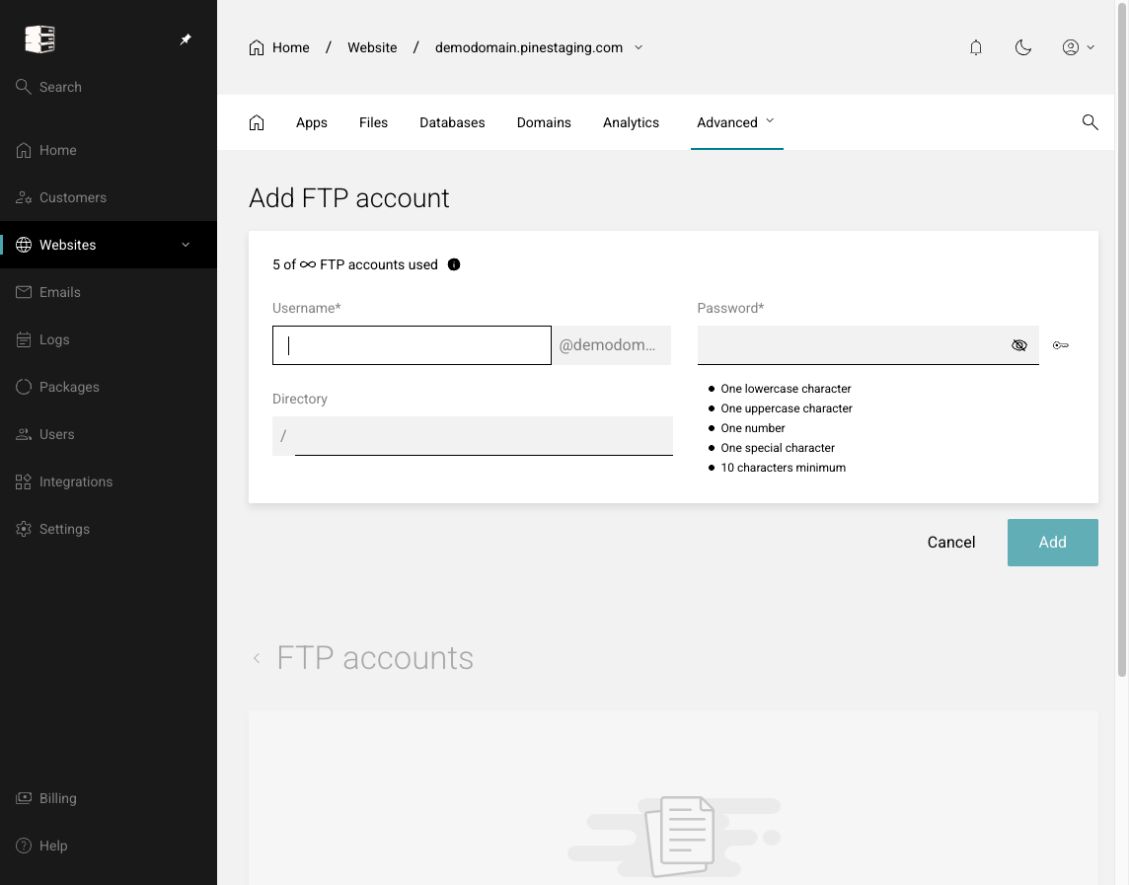 Create and manage FTP accounts
Give a user controlled file-transfer access to the website without sharing the main control-panel login.
Websites → your website → Advanced → FTP
Create and manage FTP accounts
Give a user controlled file-transfer access to the website without sharing the main control-panel login.
Websites → your website → Advanced → FTP
-
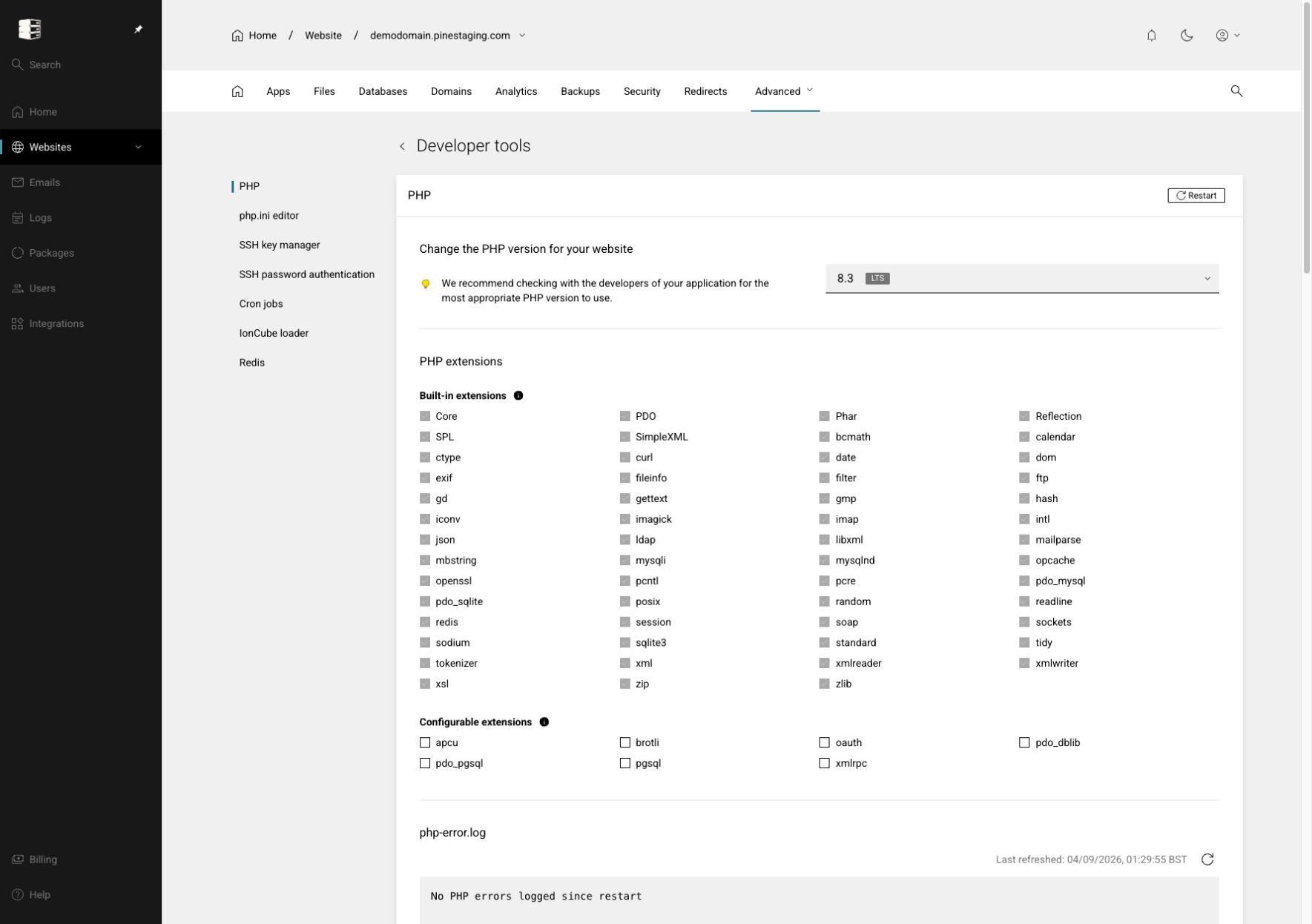 Choose the PHP version and extensions
Match the site runtime to application requirements and enable only the PHP extensions it needs.
Websites → your website → Advanced → Developer tools
Choose the PHP version and extensions
Match the site runtime to application requirements and enable only the PHP extensions it needs.
Websites → your website → Advanced → Developer tools
-
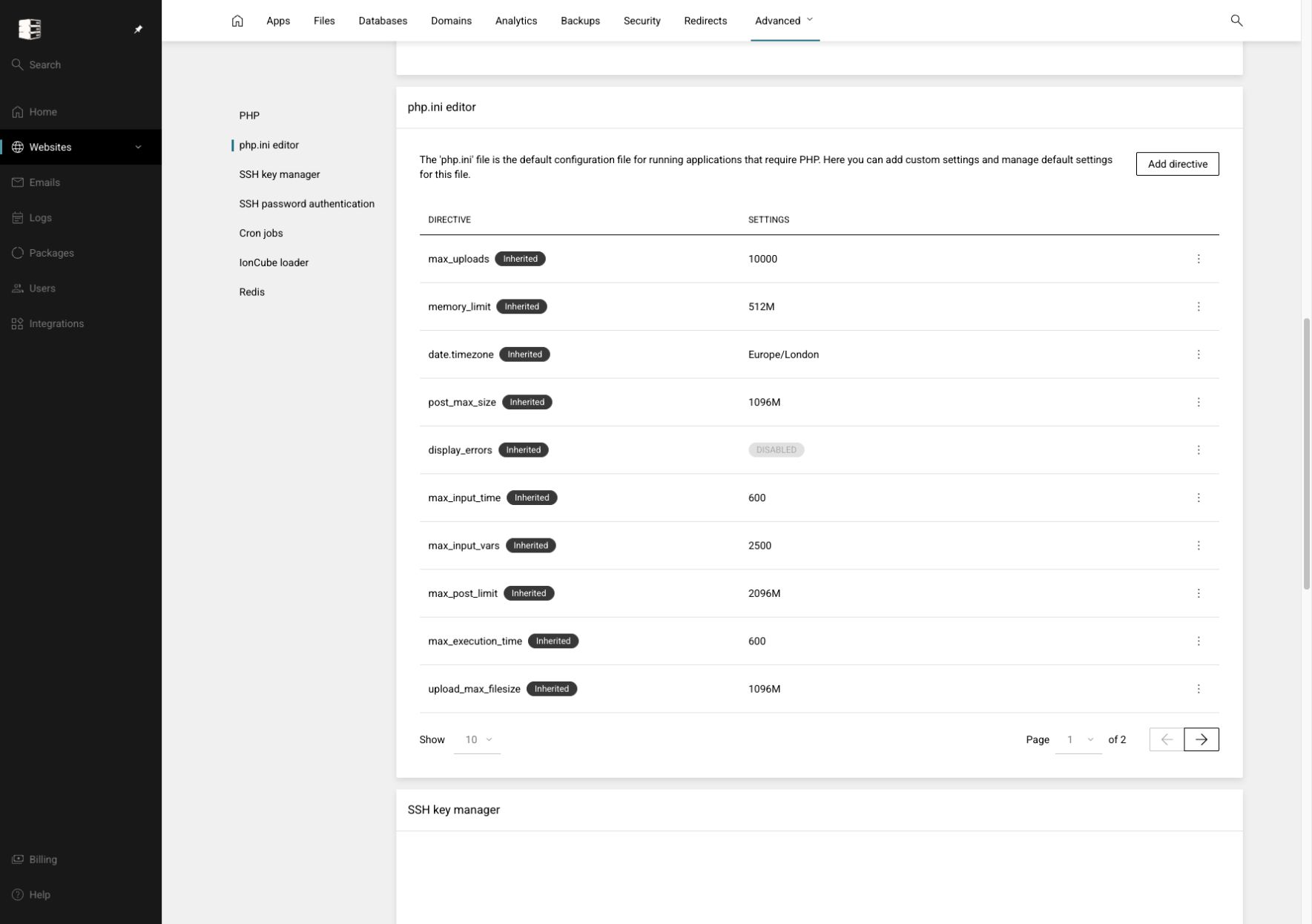 Edit PHP configuration
Adjust upload, memory, execution and other PHP limits for this website.
Websites → your website → Advanced → Developer tools → php.ini editor
Edit PHP configuration
Adjust upload, memory, execution and other PHP limits for this website.
Websites → your website → Advanced → Developer tools → php.ini editor
-
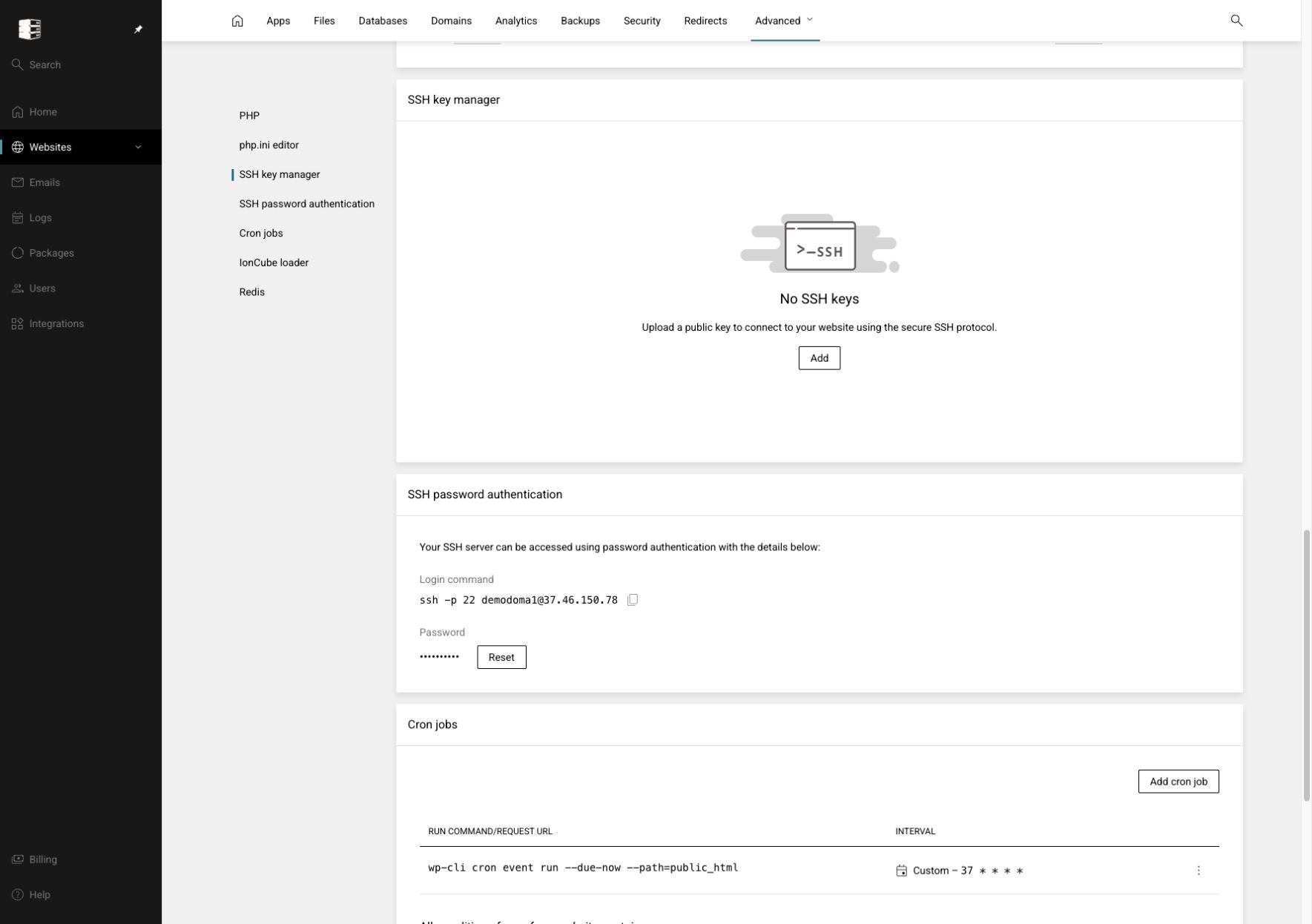 Manage SSH access and keys
Use command-line access for approved administration, preferably with individual SSH keys.
Websites → your website → Advanced → Developer tools → SSH key manager
Manage SSH access and keys
Use command-line access for approved administration, preferably with individual SSH keys.
Websites → your website → Advanced → Developer tools → SSH key manager
-
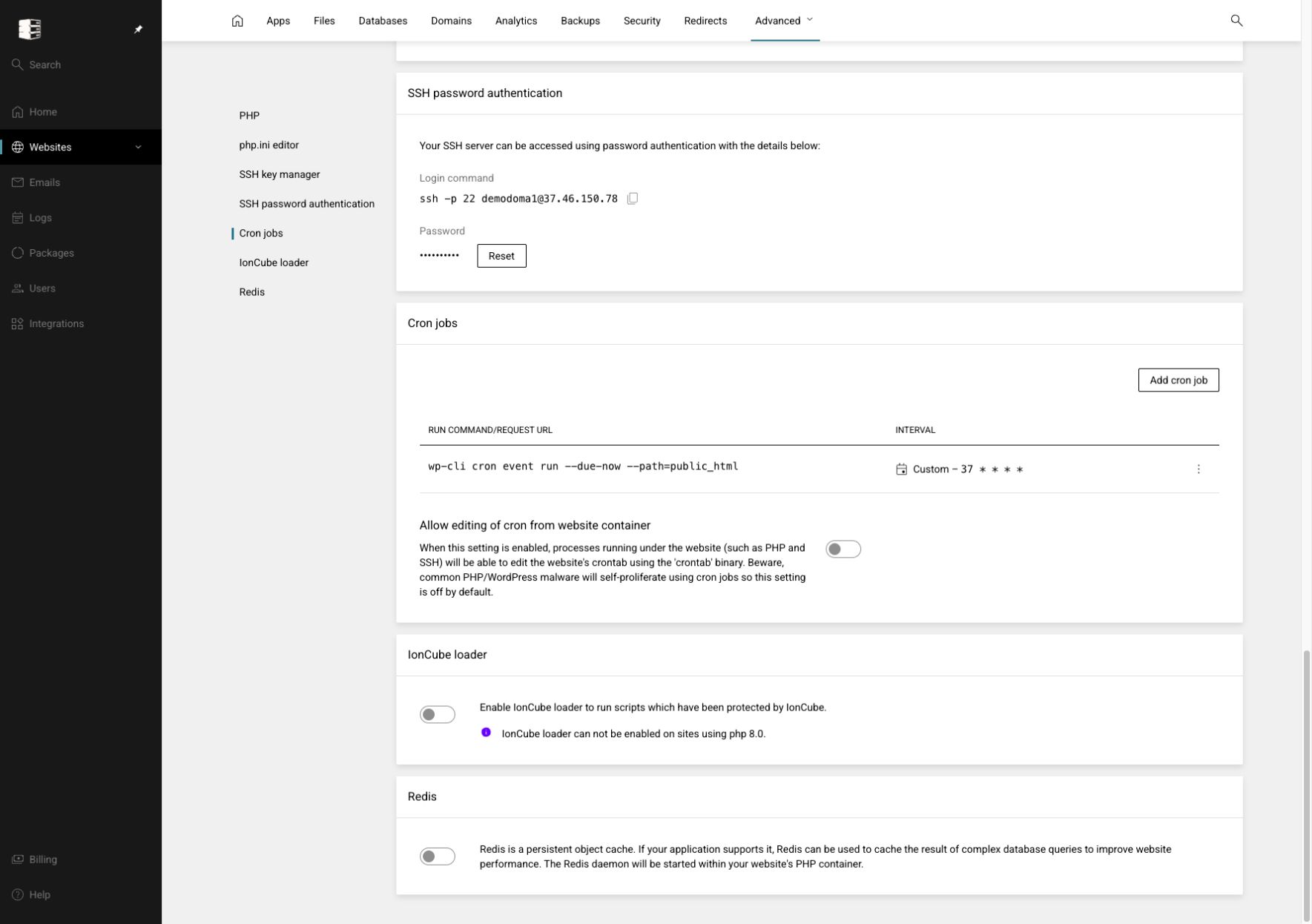 Create and monitor cron jobs
Schedule repeatable commands for maintenance, imports, queues and other application work.
Websites → your website → Advanced → Cron jobs
Create and monitor cron jobs
Schedule repeatable commands for maintenance, imports, queues and other application work.
Websites → your website → Advanced → Cron jobs
-
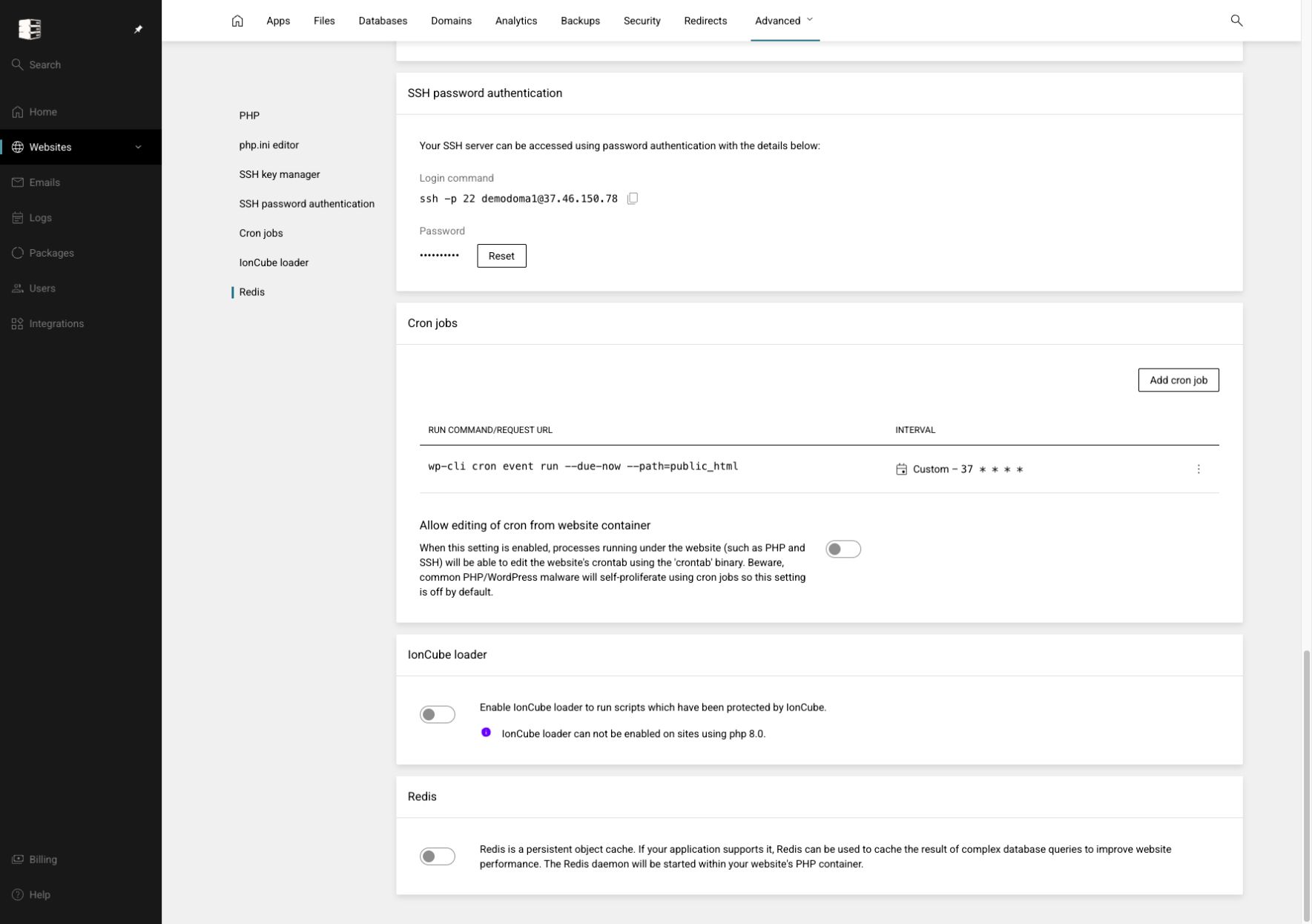 Enable Redis or IonCube
Turn on optional services required for object caching or encoded PHP applications.
Websites → your website → Advanced → Developer tools
Enable Redis or IonCube
Turn on optional services required for object caching or encoded PHP applications.
Websites → your website → Advanced → Developer tools