Domains & DNS
5 guides
-
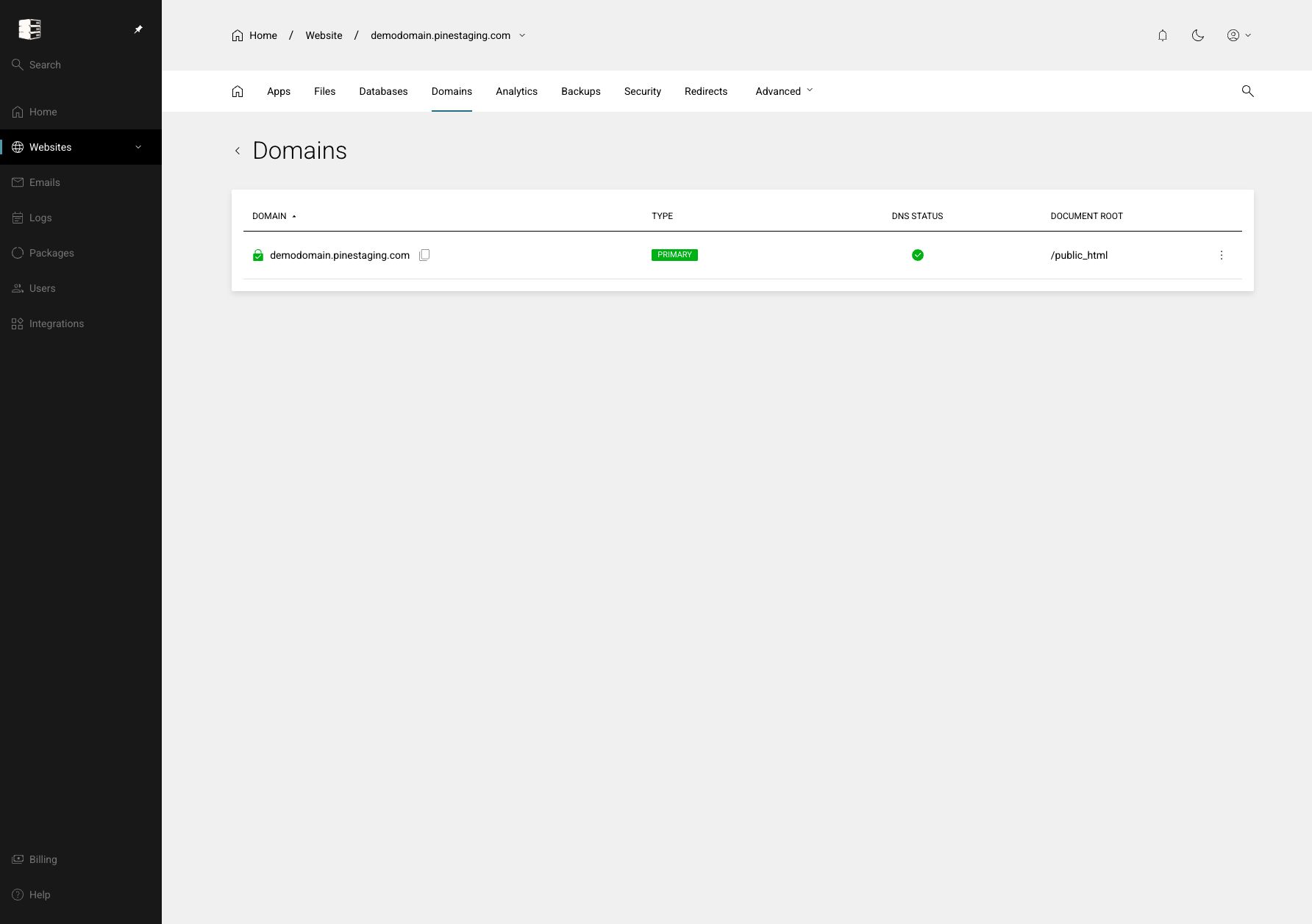 Manage domains and document roots
Review every domain attached to a website and control which folder it serves.
Websites → your website → Domains
-
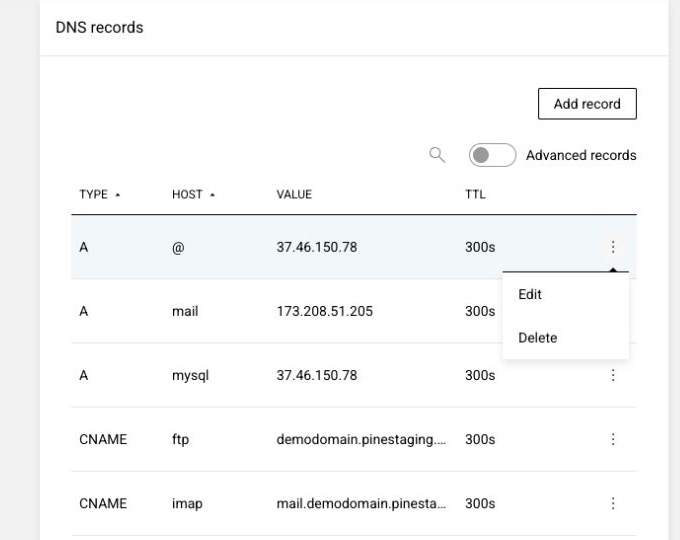 Manage DNS records
Point websites, route mail, verify services and publish DNS security policies.
Websites → your website → Domains → ⋯ → Manage → DNS records
-
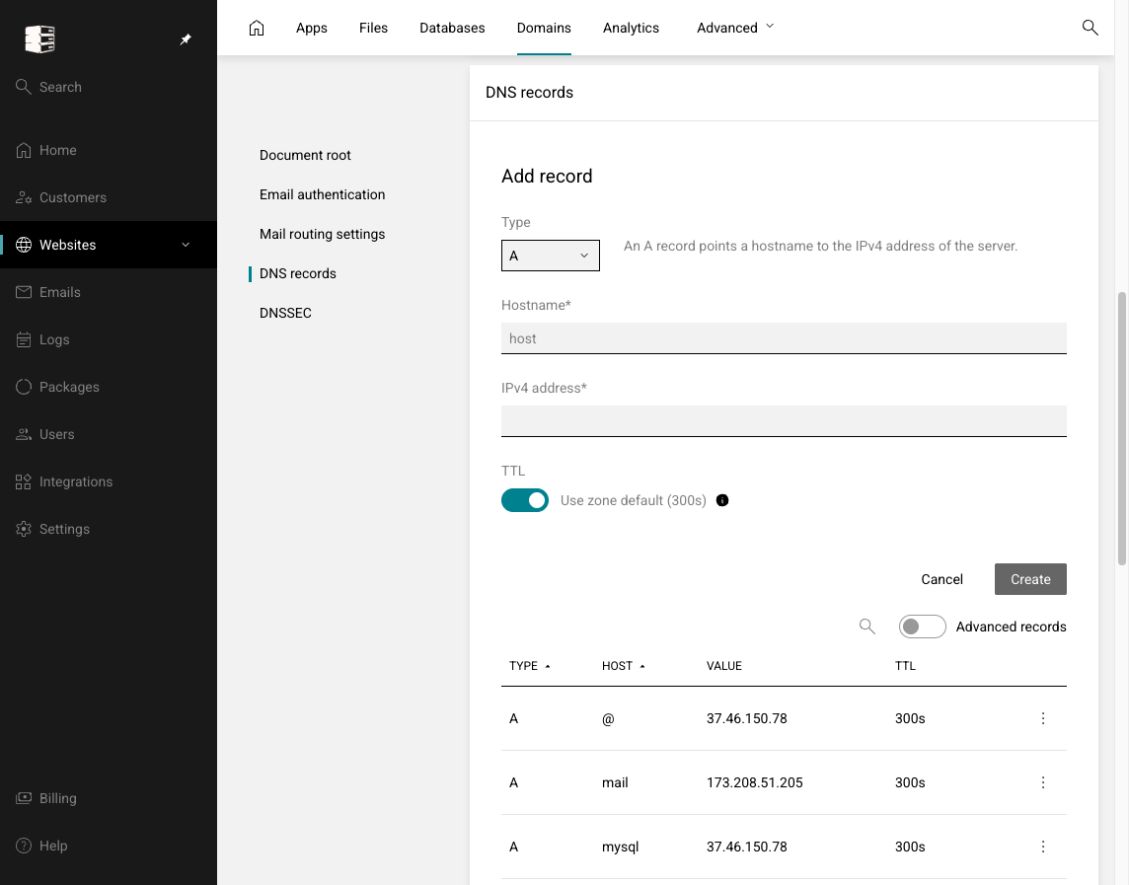 Add a DNS record
Create A, AAAA, CNAME, TXT, MX, SRV, CAA, DS and other supported records.
Domains → Manage → DNS records → Add record
-
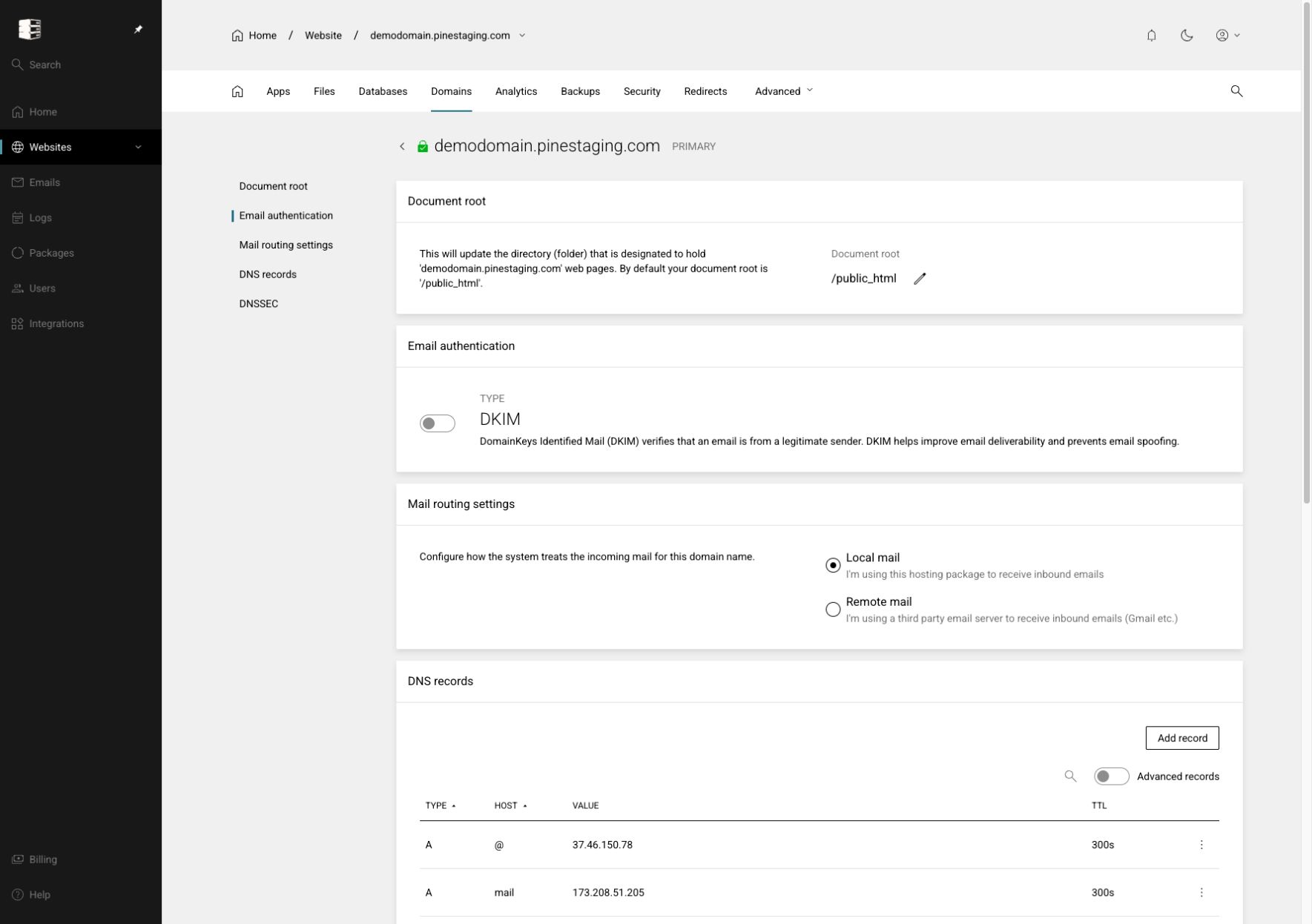 Configure mail routing and DKIM
Tell Enhance where inbound mail is handled and authenticate mail sent for the domain.
Domains → Manage → Email authentication / Mail routing settings
-
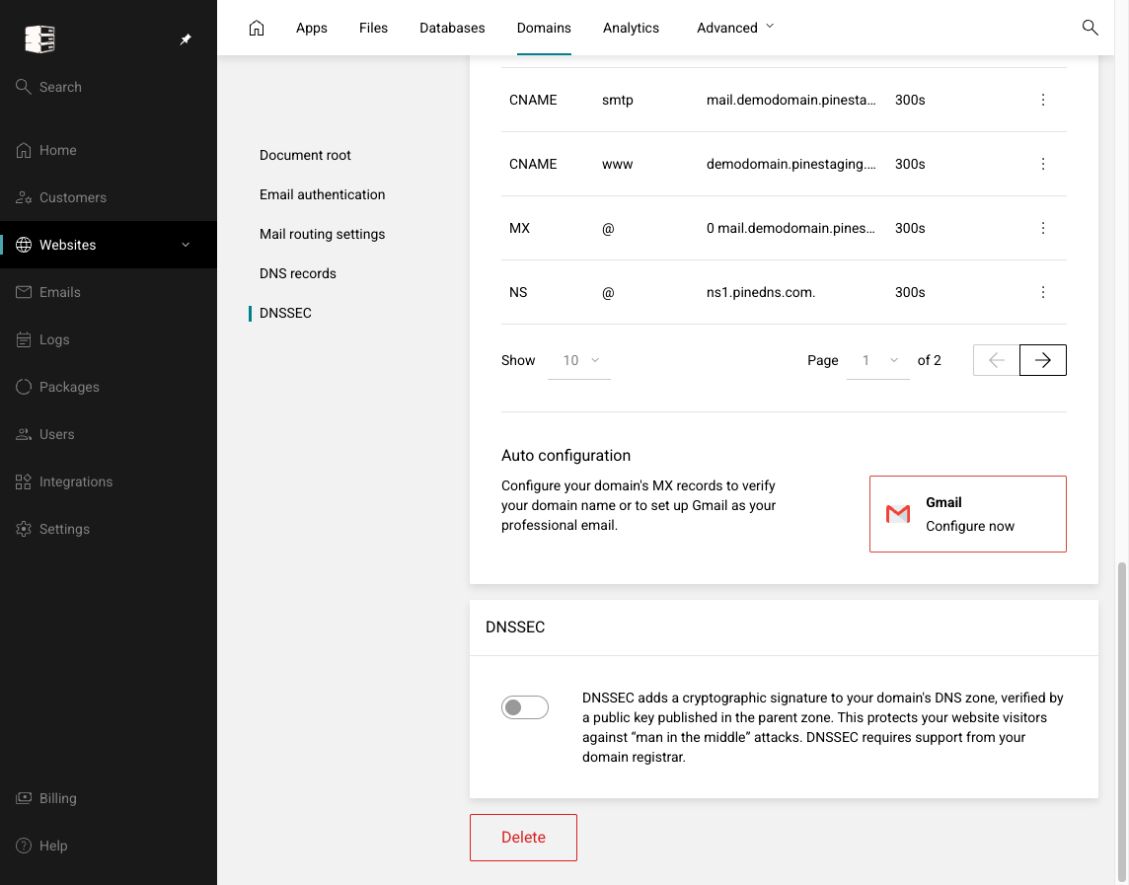 Enable DNSSEC
Sign the DNS zone and publish the matching DS record with the registrar.
Domains → Manage → DNSSEC