Files & data
5 guides
-
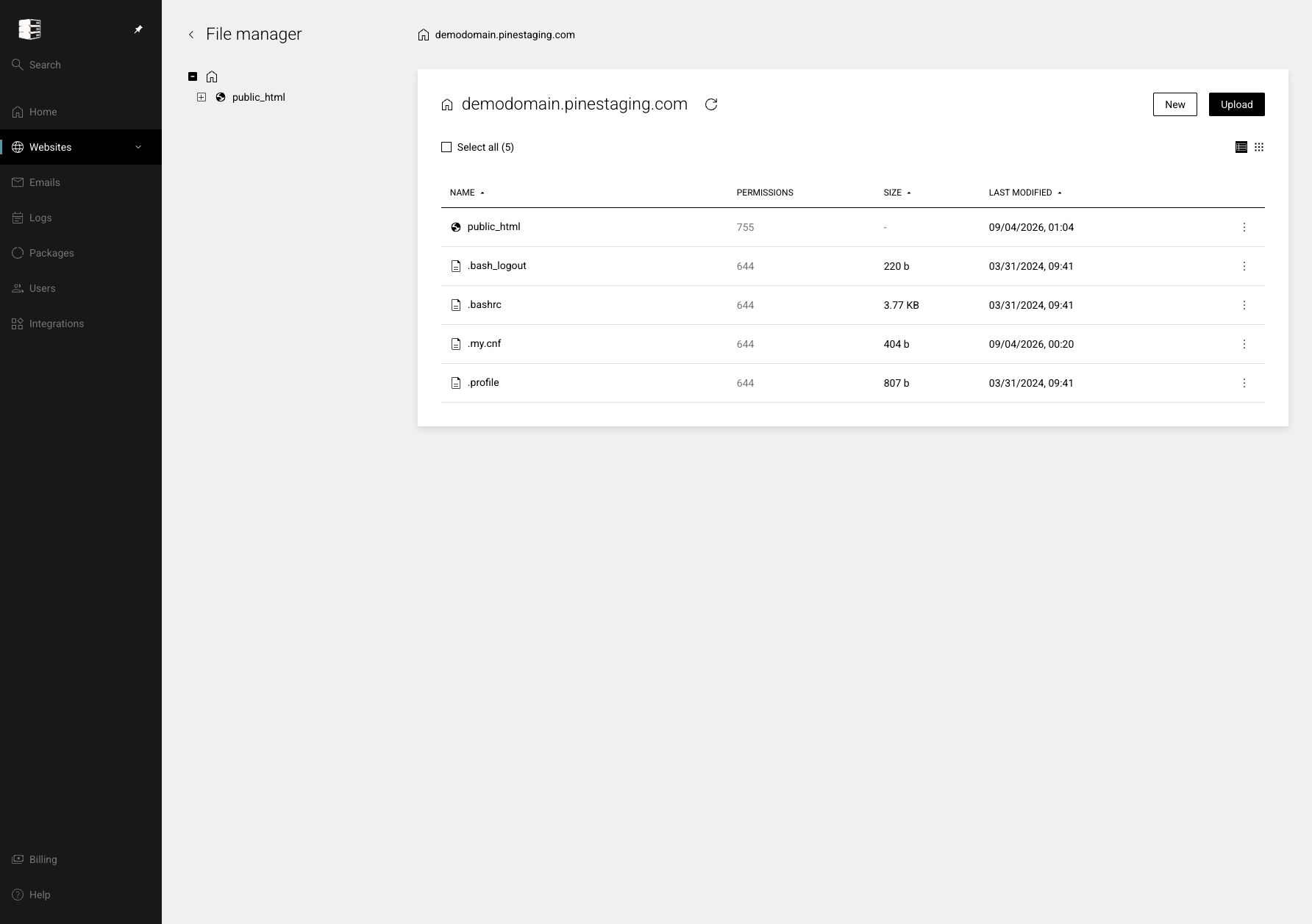 Use the file manager
Browse directories, upload files, create folders and edit supported text files in the browser.
Websites → your website → Files
Use the file manager
Browse directories, upload files, create folders and edit supported text files in the browser.
Websites → your website → Files
-
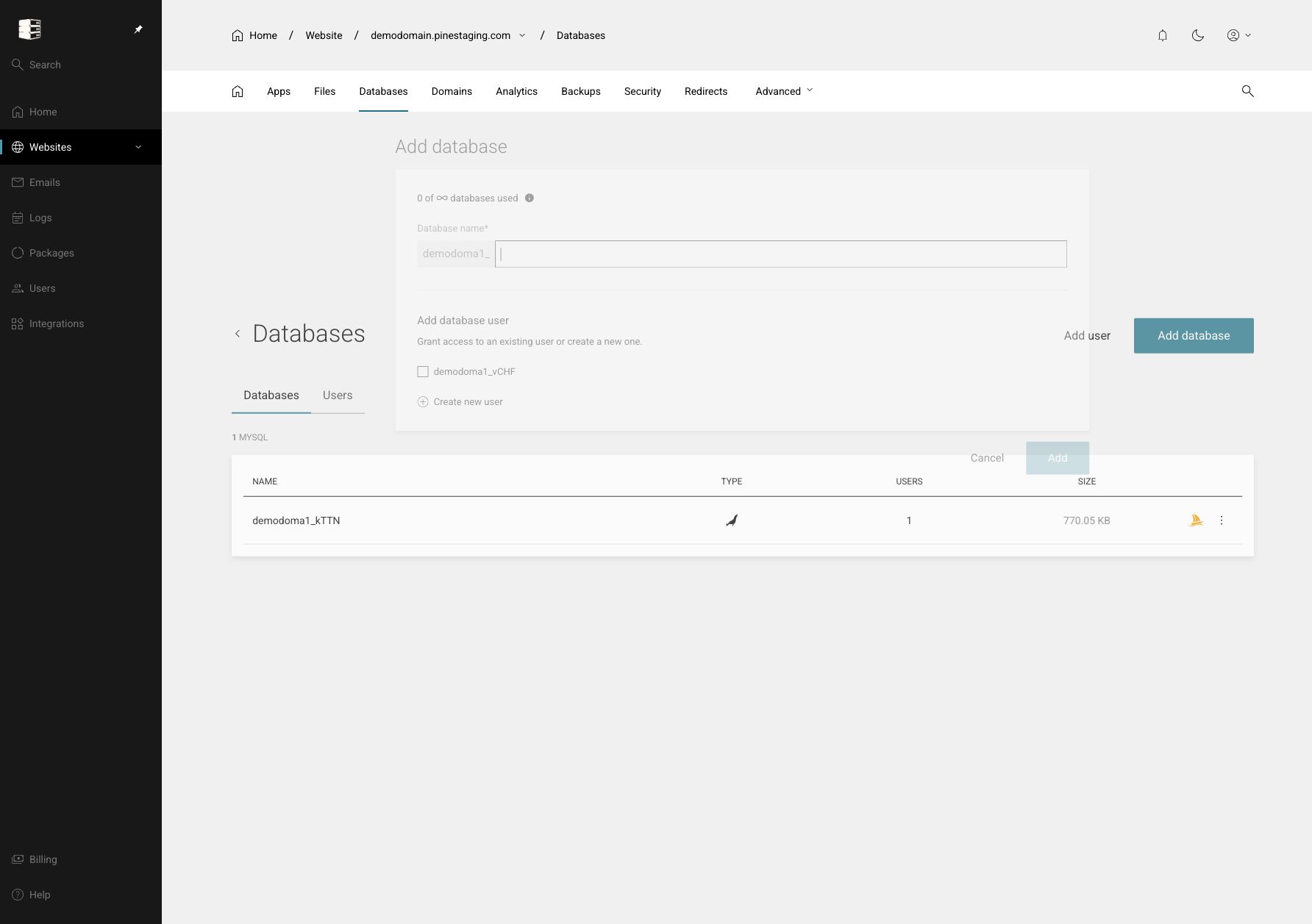 Create databases, users and privileges
Create a MySQL database, attach a user and grant only the privileges the application needs.
Websites → your website → Databases
Create databases, users and privileges
Create a MySQL database, attach a user and grant only the privileges the application needs.
Websites → your website → Databases
-
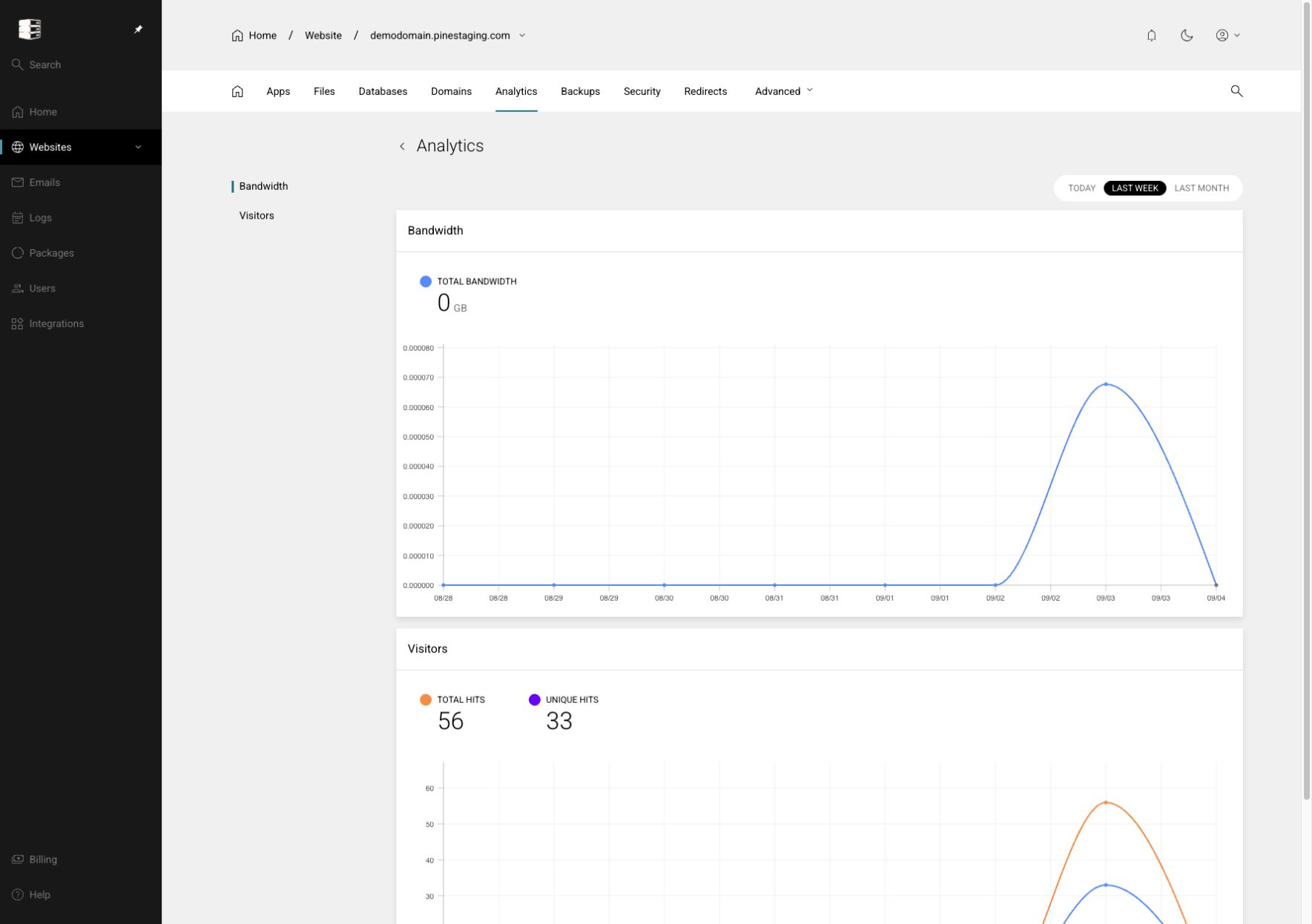 Read website analytics
Review traffic trends and use them as context for performance or capacity decisions.
Websites → your website → Analytics
Read website analytics
Review traffic trends and use them as context for performance or capacity decisions.
Websites → your website → Analytics
-
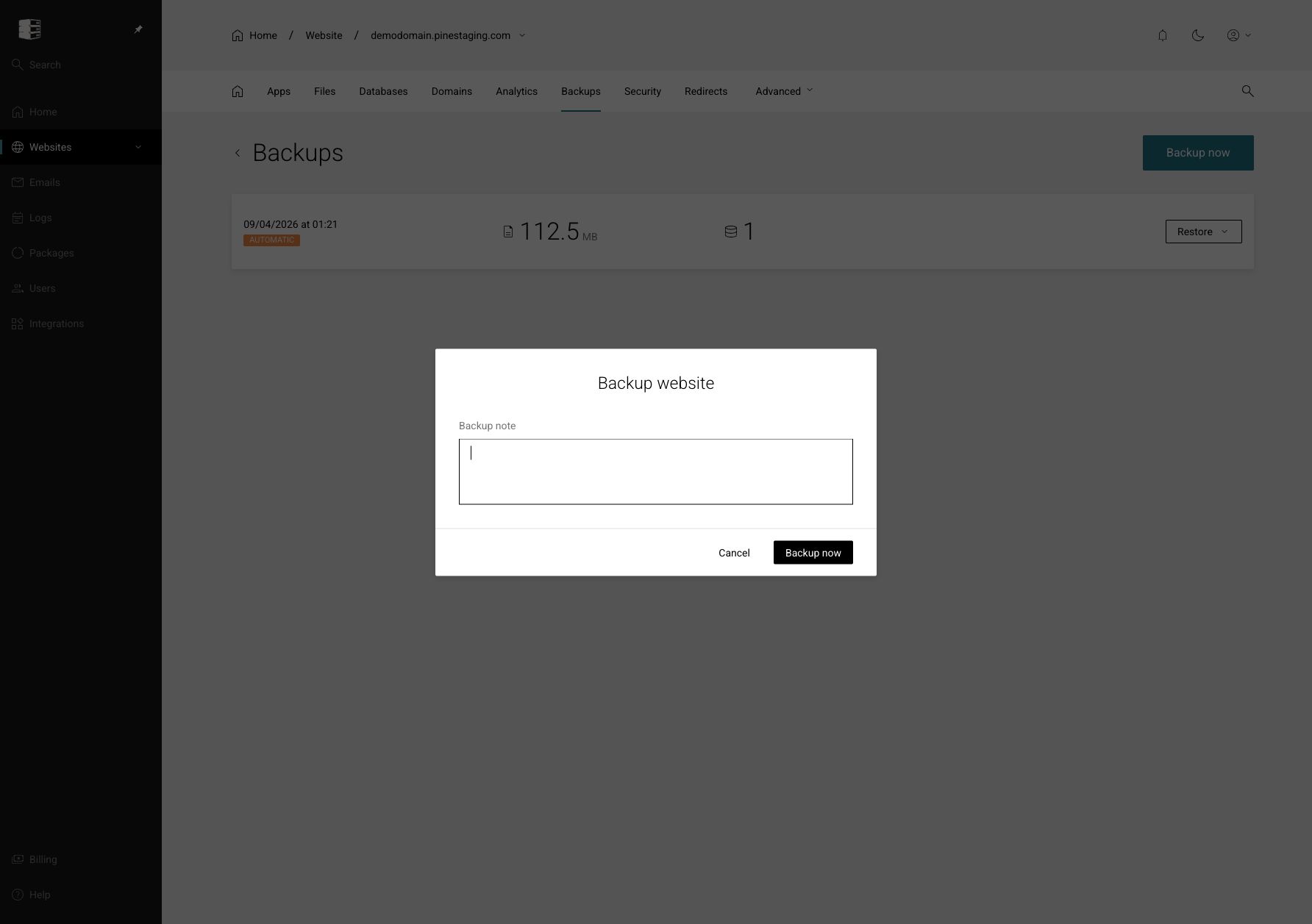 Create and verify a backup
Take a manual recovery point before upgrades, deployments and high-risk configuration changes.
Websites → your website → Backups
Create and verify a backup
Take a manual recovery point before upgrades, deployments and high-risk configuration changes.
Websites → your website → Backups
-
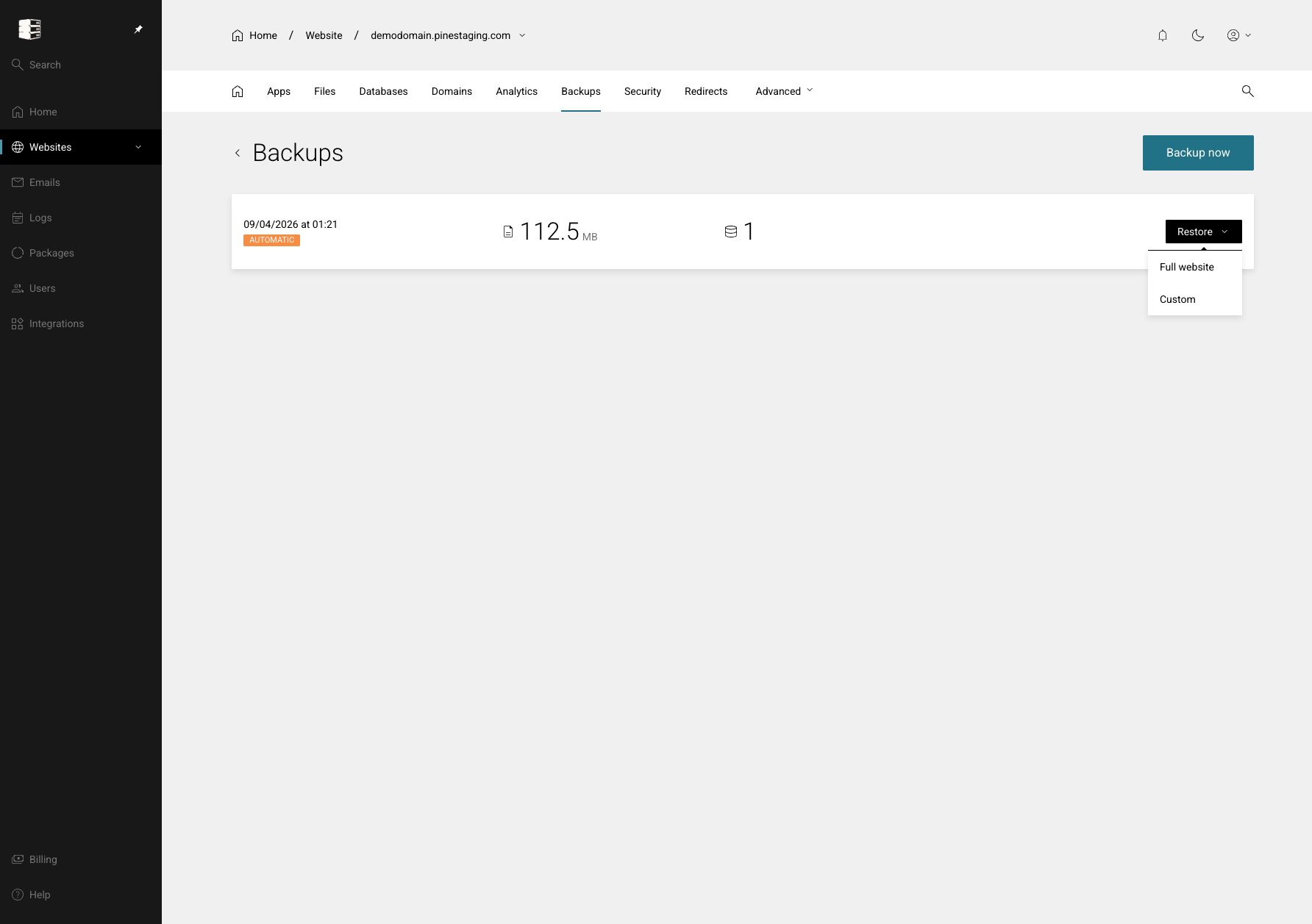 Restore a full site or selected files
Roll the entire website back or restore only the files and data needed for recovery.
Backups → backup menu → Restore
Restore a full site or selected files
Roll the entire website back or restore only the files and data needed for recovery.
Backups → backup menu → Restore