Domains & DNS
7 guides
-
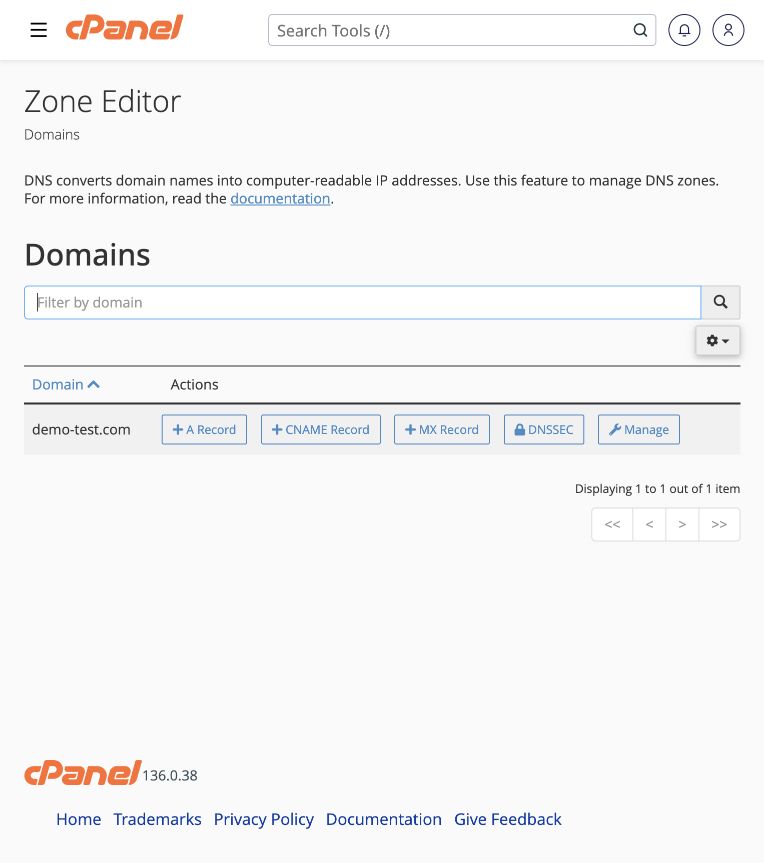 Add a DNS record
Connect your domain to a website, email service or verification service using the Zone Editor.
Tools → Domains → Zone Editor → Manage
Add a DNS record
Connect your domain to a website, email service or verification service using the Zone Editor.
Tools → Domains → Zone Editor → Manage
-
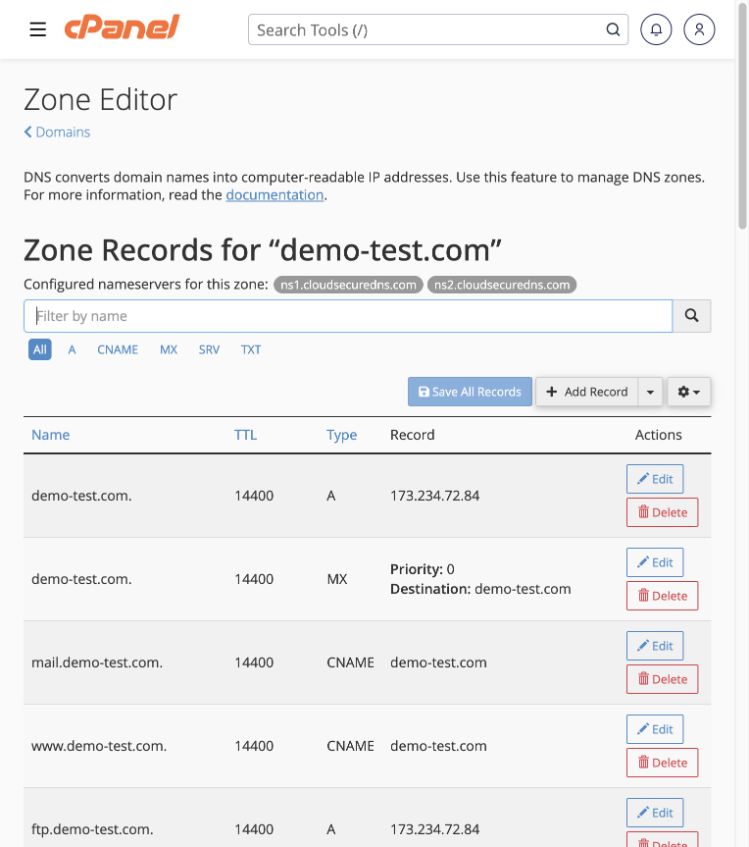 Edit or remove a DNS record
Find the correct record, open its Edit control, and change only the intended values.
Tools → Domains → Zone Editor → Manage
Edit or remove a DNS record
Find the correct record, open its Edit control, and change only the intended values.
Tools → Domains → Zone Editor → Manage
-
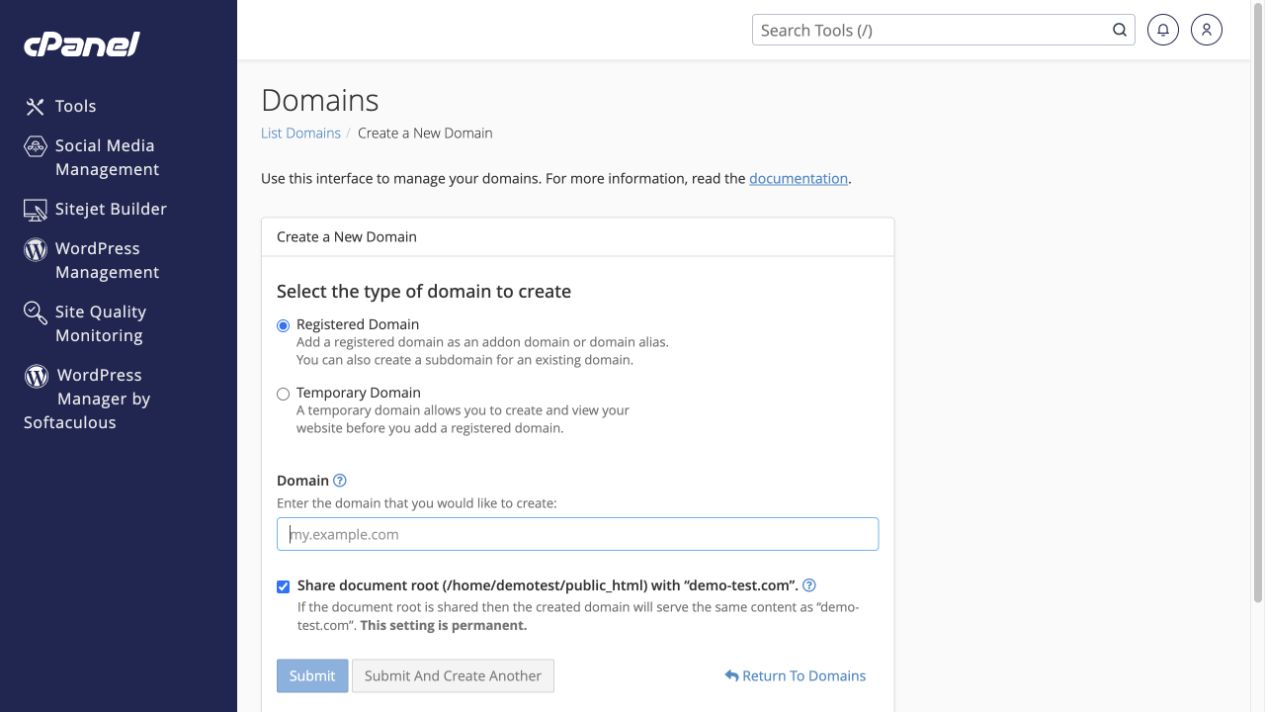 Add a domain, alias or subdomain
Choose whether a new address shares an existing website or has its own files.
Tools → Domains → Domains → Create A New Domain
Add a domain, alias or subdomain
Choose whether a new address shares an existing website or has its own files.
Tools → Domains → Domains → Create A New Domain
-
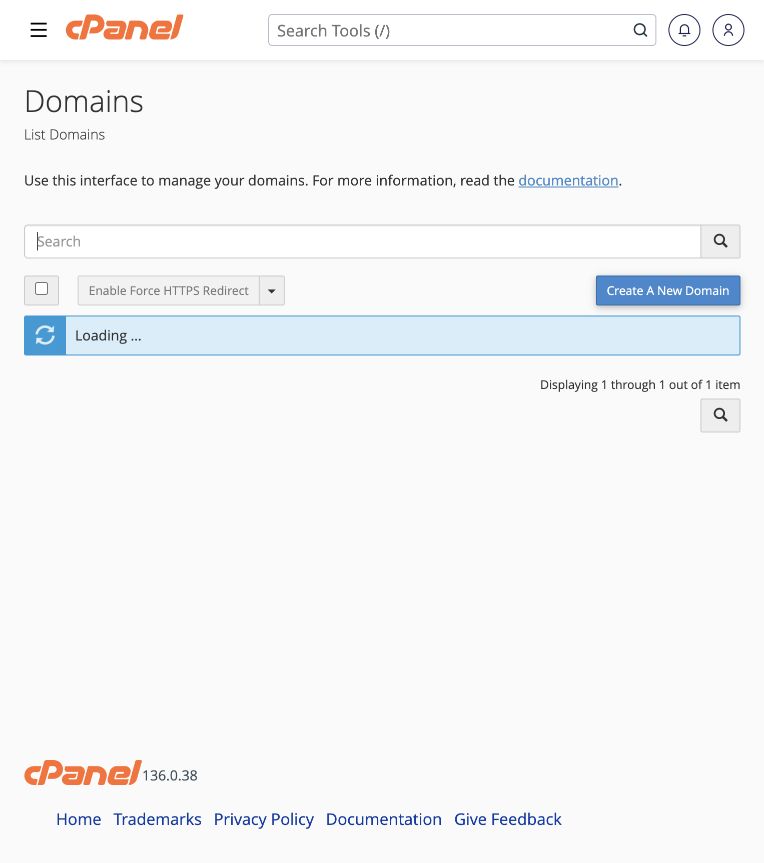 Manage a domain and force HTTPS
Inspect a domain’s folder, related tools and HTTPS redirect controls.
Tools → Domains → Domains
Manage a domain and force HTTPS
Inspect a domain’s folder, related tools and HTTPS redirect controls.
Tools → Domains → Domains
-
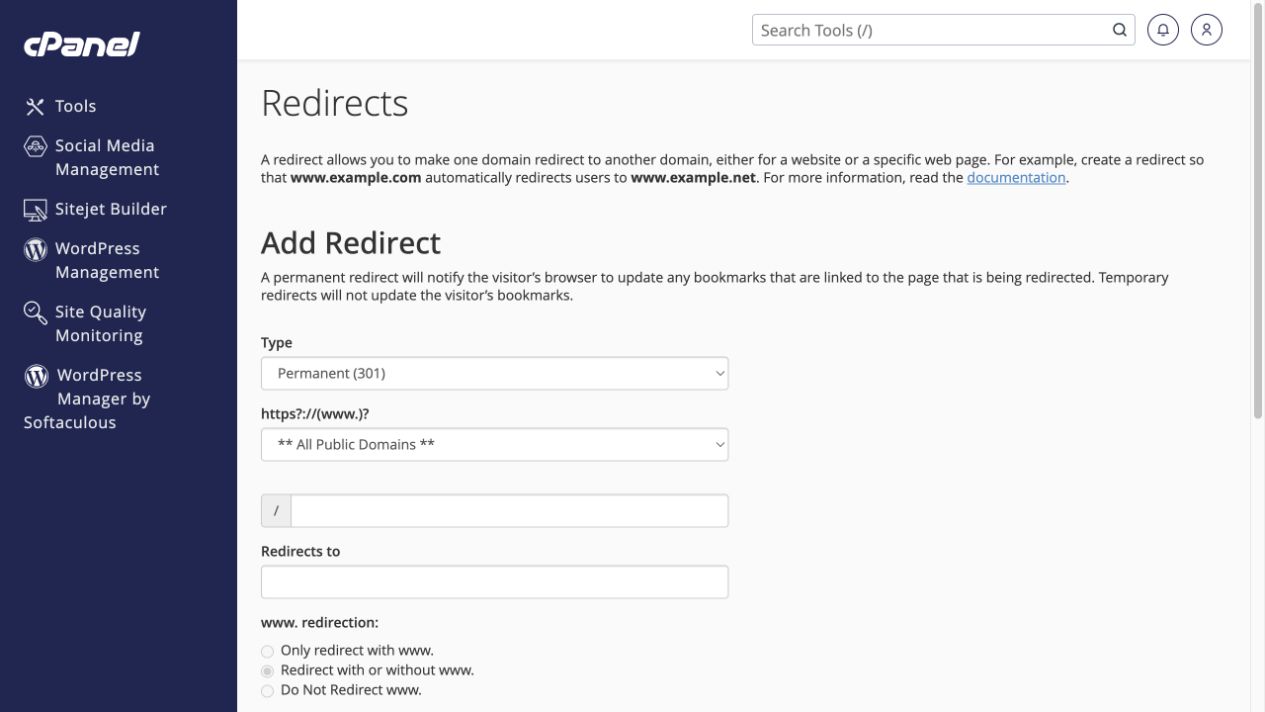 Redirect a domain or page
Send visitors to a new address with the appropriate permanent or temporary redirect.
Tools → Domains → Redirects
Redirect a domain or page
Send visitors to a new address with the appropriate permanent or temporary redirect.
Tools → Domains → Redirects
-
Understand and manage DNSSEC
Coordinate signed DNS records with your registrar so validation remains consistent.
Tools → Domains → Zone Editor → DNSSEC
-
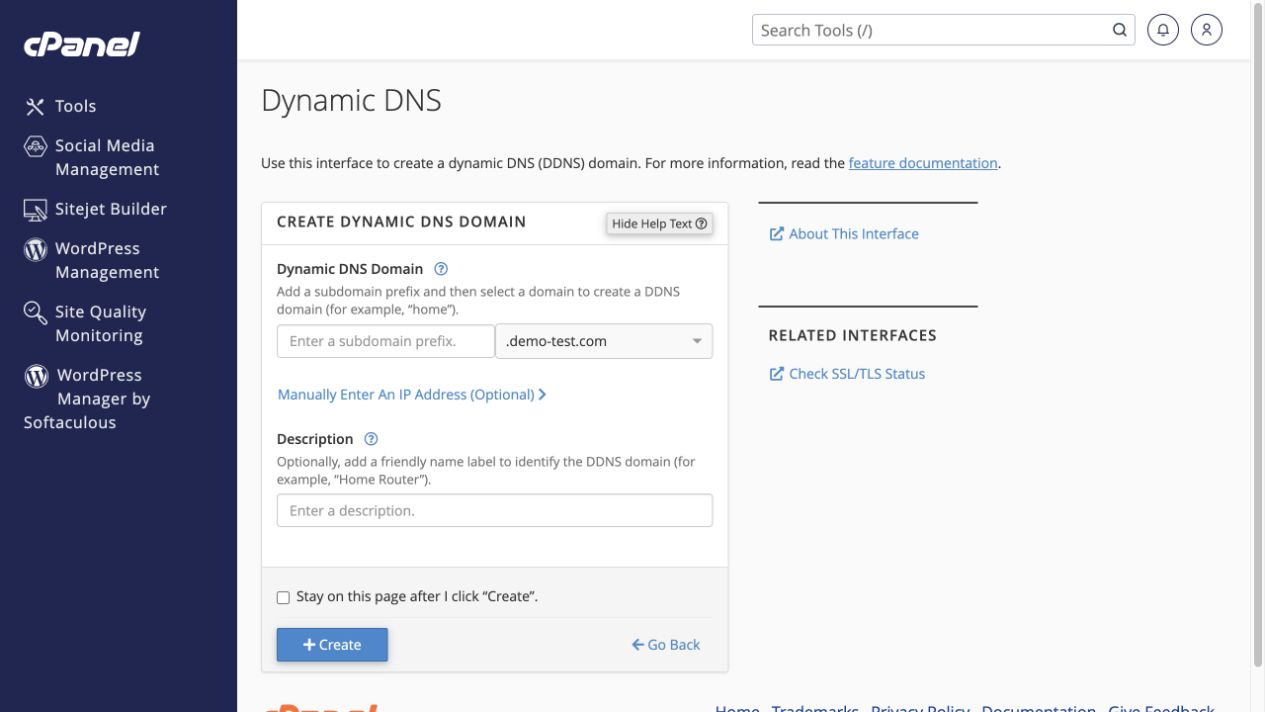 Point a hostname at a changing IP address
Use Dynamic DNS for an authorised device or network whose public address changes.
Tools → Domains → Dynamic DNS → Create
Point a hostname at a changing IP address
Use Dynamic DNS for an authorised device or network whose public address changes.
Tools → Domains → Dynamic DNS → Create