15 guides
-
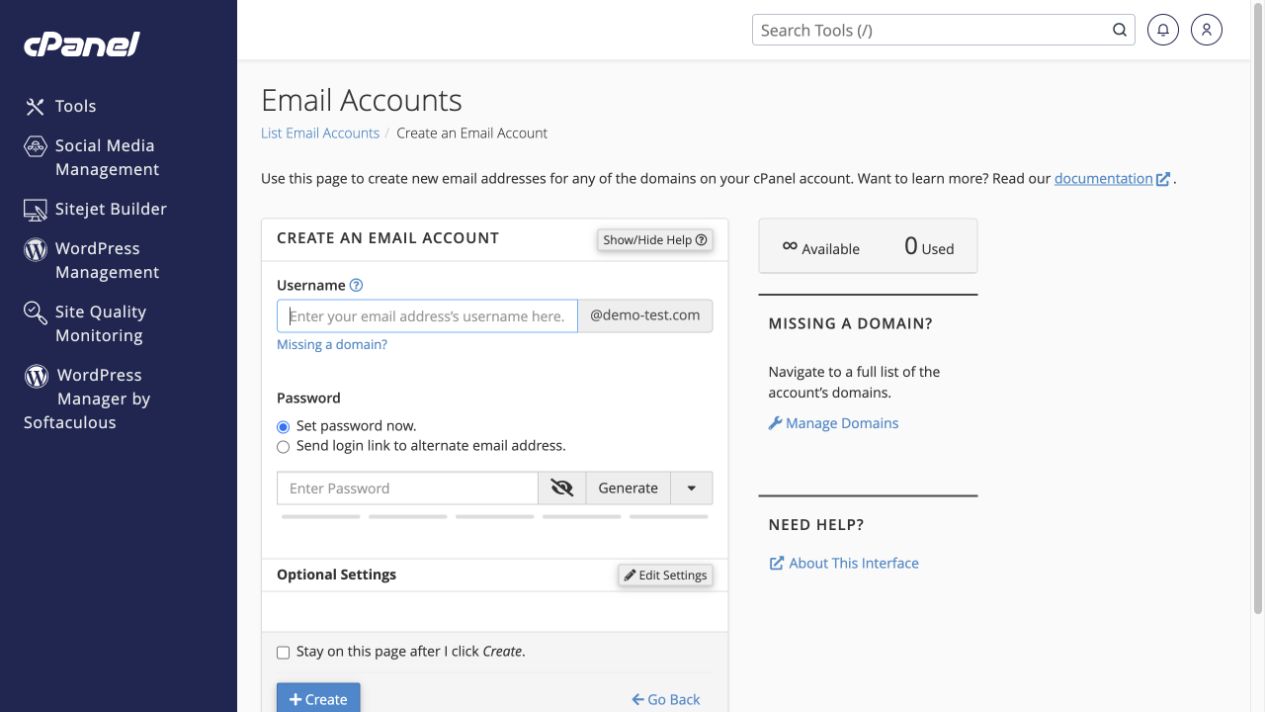 Create an email address
Create a mailbox such as [email protected] and choose its storage allowance.
Tools → Email → Email Accounts → Create
Create an email address
Create a mailbox such as [email protected] and choose its storage allowance.
Tools → Email → Email Accounts → Create
-
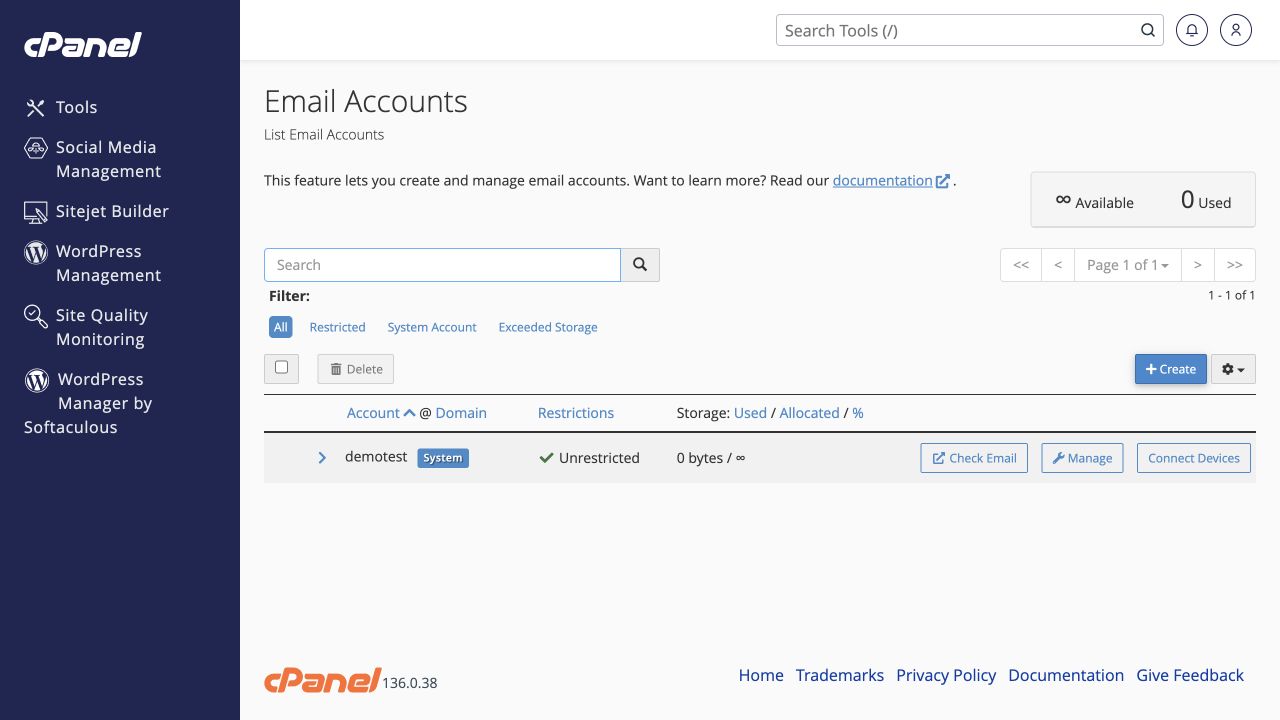 Manage a mailbox, quota or password
Use the correct mailbox’s Manage button to adjust its settings.
Tools → Email → Email Accounts → Manage
Manage a mailbox, quota or password
Use the correct mailbox’s Manage button to adjust its settings.
Tools → Email → Email Accounts → Manage
-
Read email and connect a mail app
Open Webmail or copy the correct secure connection settings into your mail app.
Tools → Email → Email Accounts
-
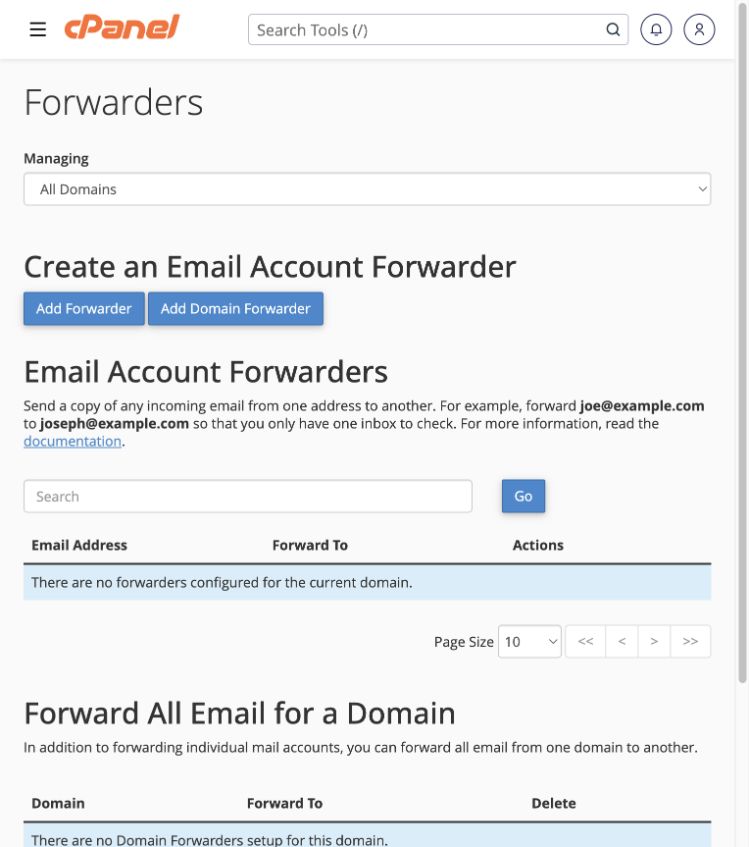 Forward email to another address
Forward a single address, or matching addresses across two domains.
Tools → Email → Forwarders
Forward email to another address
Forward a single address, or matching addresses across two domains.
Tools → Email → Forwarders
-
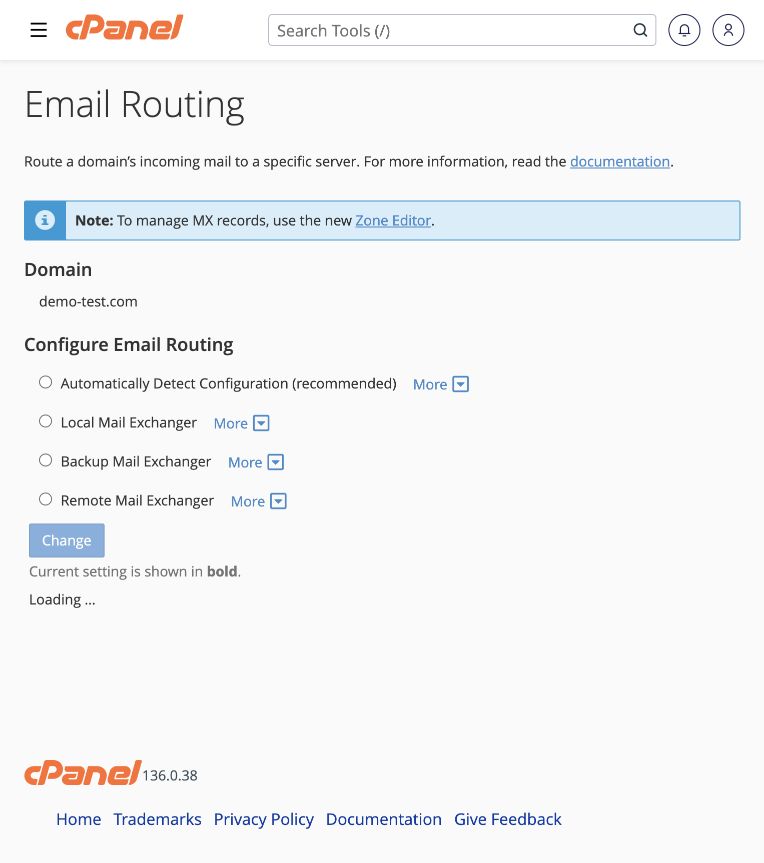 Choose local or external email routing
Tell cPanel whether this server or an external provider handles a domain’s email.
Tools → Email → Email Routing
Choose local or external email routing
Tell cPanel whether this server or an external provider handles a domain’s email.
Tools → Email → Email Routing
-
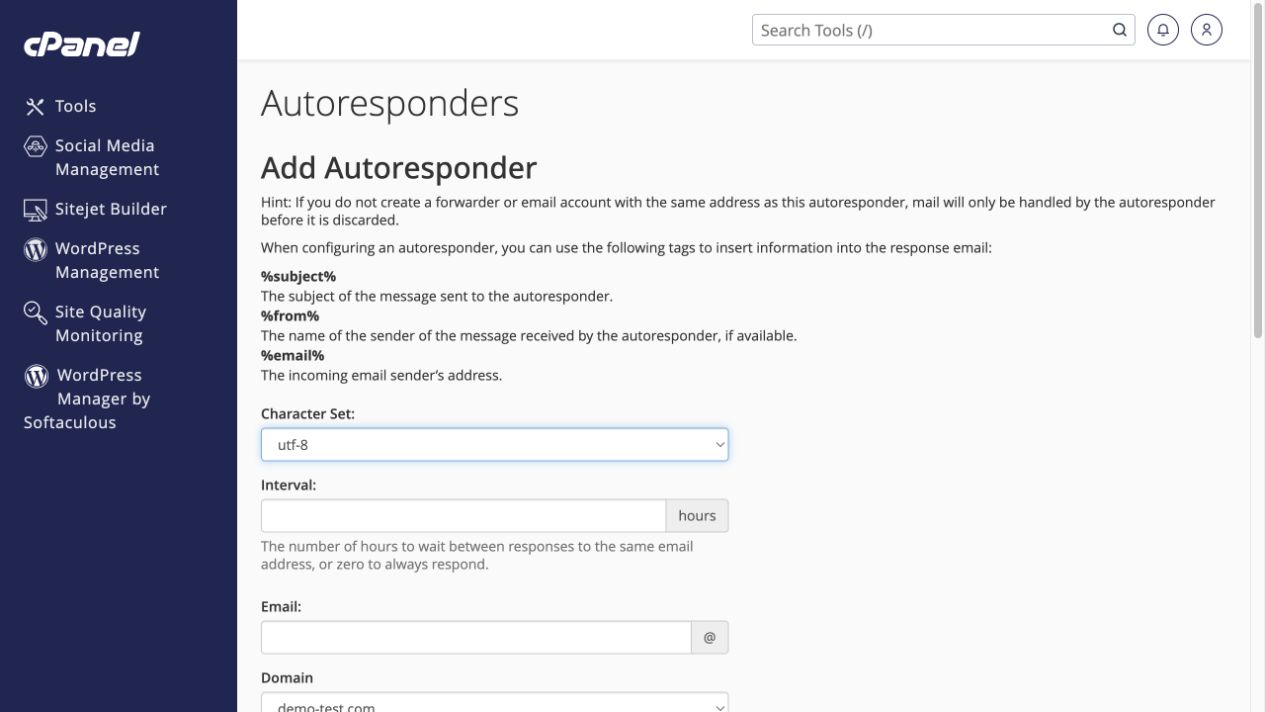 Set an out-of-office reply
Choose the reply text, response interval and start/stop times.
Tools → Email → Autoresponders → Add Autoresponder
Set an out-of-office reply
Choose the reply text, response interval and start/stop times.
Tools → Email → Autoresponders → Add Autoresponder
-
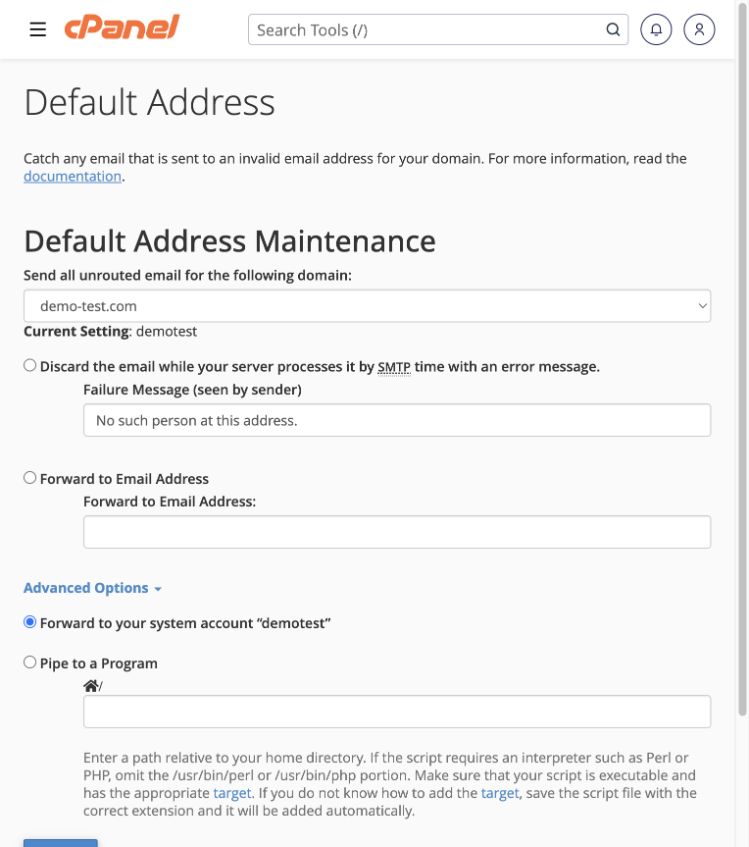 Handle mail sent to nonexistent addresses
Reject invalid recipients or collect their mail in a catch-all address.
Tools → Email → Default Address
Handle mail sent to nonexistent addresses
Reject invalid recipients or collect their mail in a catch-all address.
Tools → Email → Default Address
-
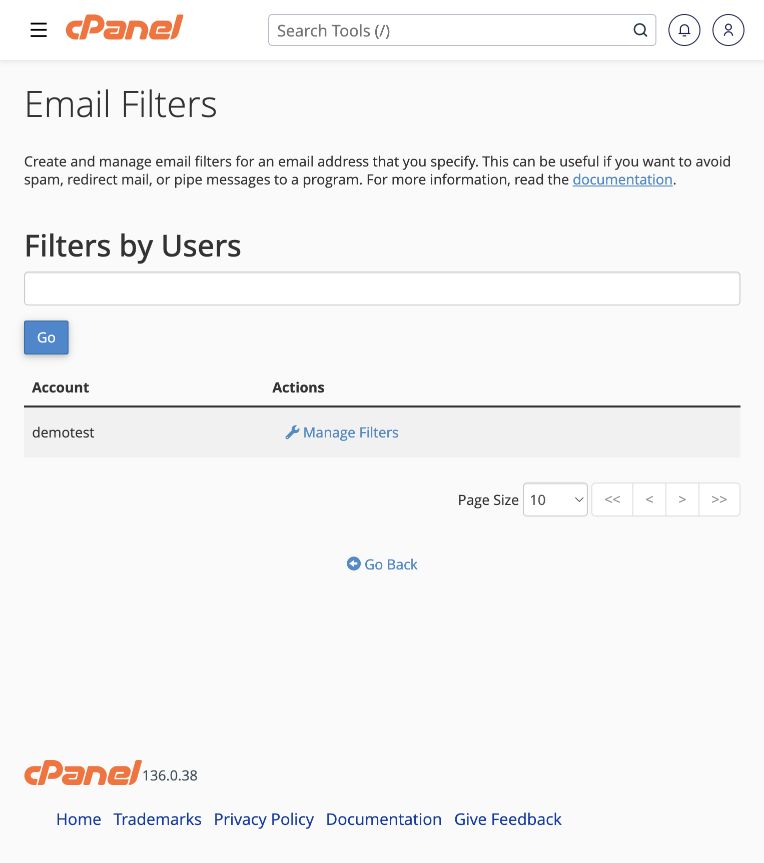 Create mailbox or account-wide email filters
Match messages and deliver, redirect or reject them using explicit rules.
Tools → Email → Email Filters or Global Email Filters
Create mailbox or account-wide email filters
Match messages and deliver, redirect or reject them using explicit rules.
Tools → Email → Email Filters or Global Email Filters
-
 Manage spam filtering safely
Mark suspicious mail and use a reviewable spam folder before considering automatic deletion.
Tools → Email → Spam Filters
Manage spam filtering safely
Mark suspicious mail and use a reviewable spam folder before considering automatic deletion.
Tools → Email → Spam Filters
-
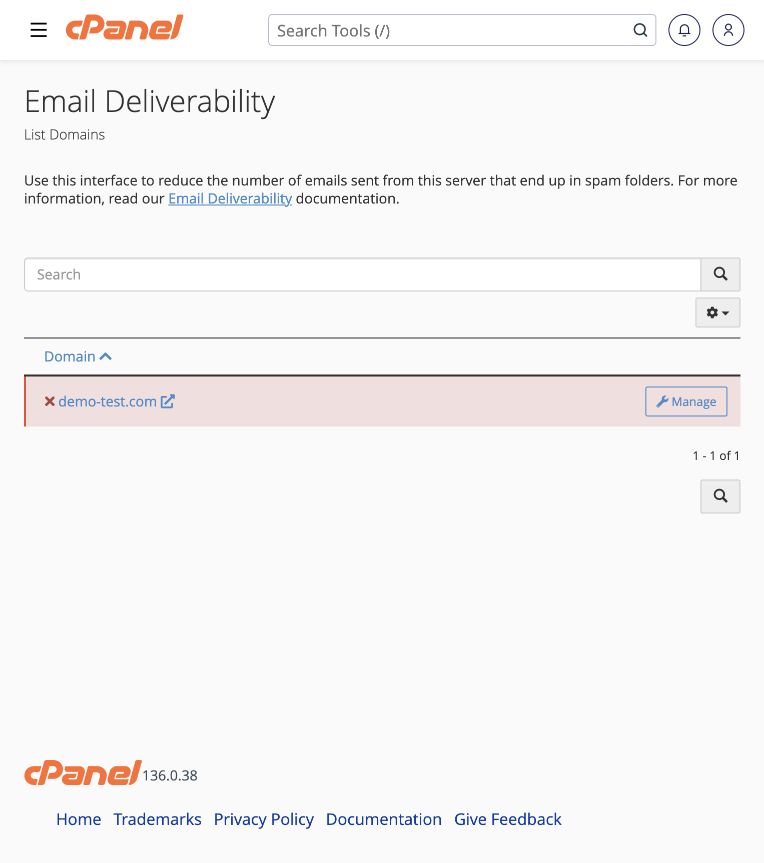 Check SPF, DKIM and email deliverability
Diagnose email-authentication DNS problems without replacing valid records blindly.
Tools → Email → Email Deliverability → Manage
Check SPF, DKIM and email deliverability
Diagnose email-authentication DNS problems without replacing valid records blindly.
Tools → Email → Email Deliverability → Manage
-
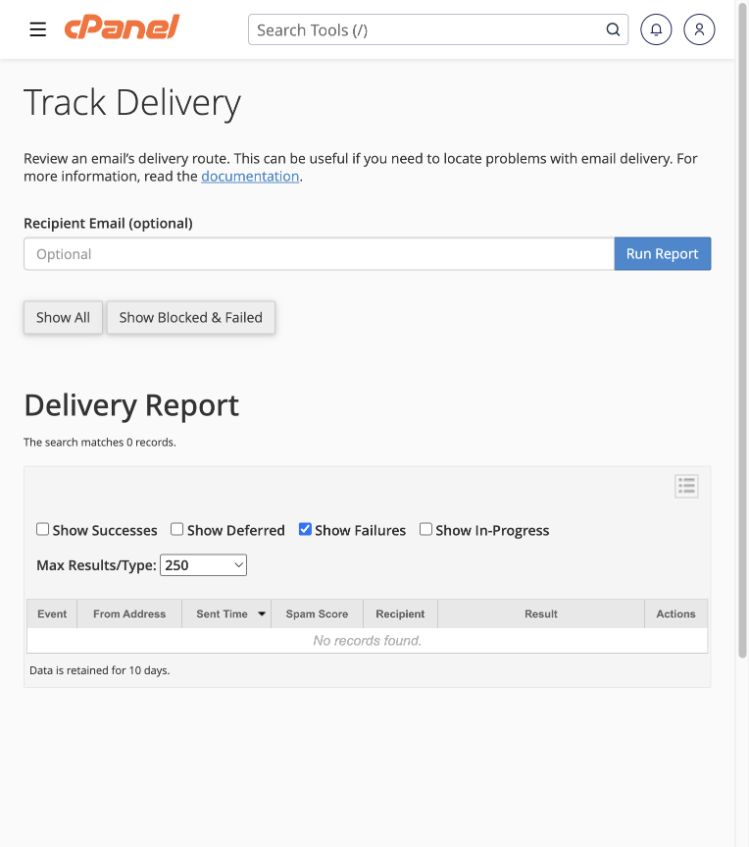 Find why an email was delayed or rejected
Use the delivery report to locate the relevant message and its error.
Tools → Email → Track Delivery
Find why an email was delayed or rejected
Use the delivery report to locate the relevant message and its error.
Tools → Email → Track Delivery
-
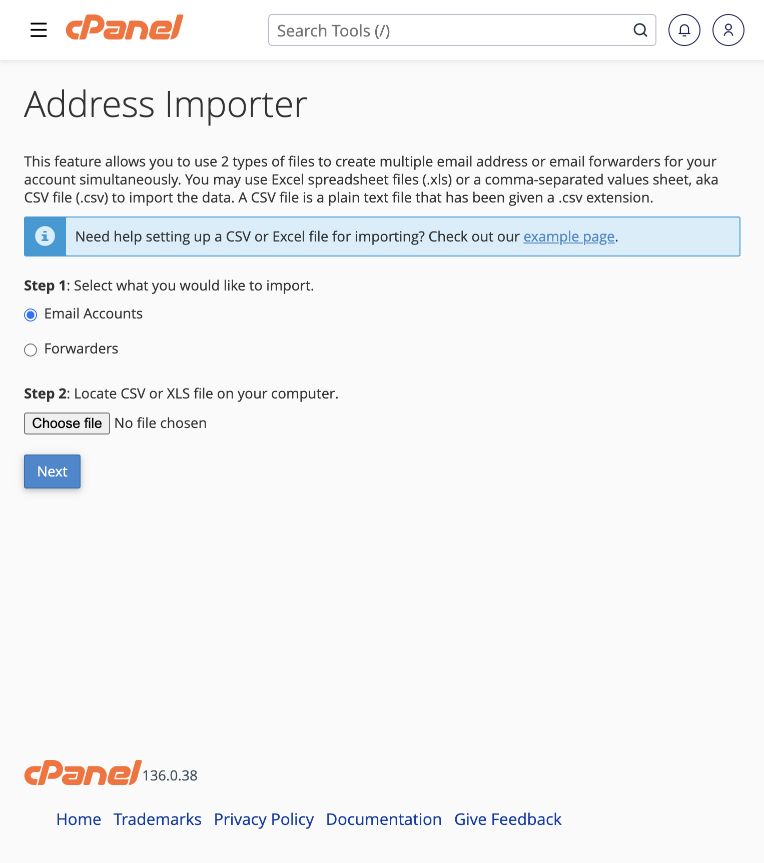 Import email accounts or forwarders
Prepare a supported spreadsheet and map its columns before importing.
Tools → Email → Address Importer
Import email accounts or forwarders
Prepare a supported spreadsheet and map its columns before importing.
Tools → Email → Address Importer
-
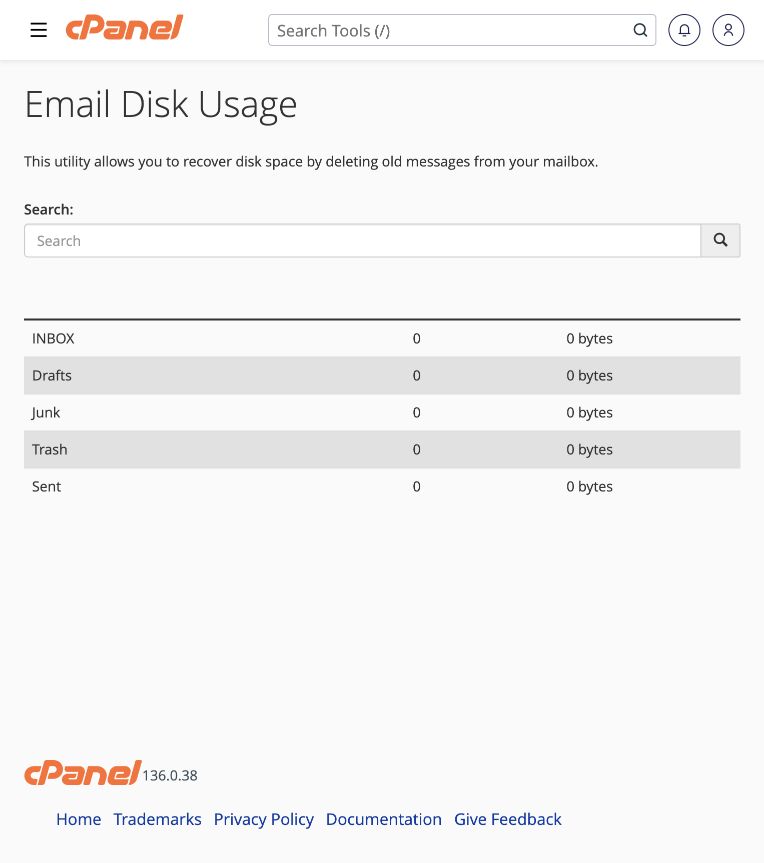 Review and free up email storage
Identify large folders before deciding which messages to archive or delete.
Tools → Email → Email Disk Usage
Review and free up email storage
Identify large folders before deciding which messages to archive or delete.
Tools → Email → Email Disk Usage
-
 Set up calendars, contacts and sharing
Connect a calendar client, create a collection and understand delegate permissions.
Tools → Email → Calendars and Contacts Configuration / Management / Sharing
Set up calendars, contacts and sharing
Connect a calendar client, create a collection and understand delegate permissions.
Tools → Email → Calendars and Contacts Configuration / Management / Sharing
-
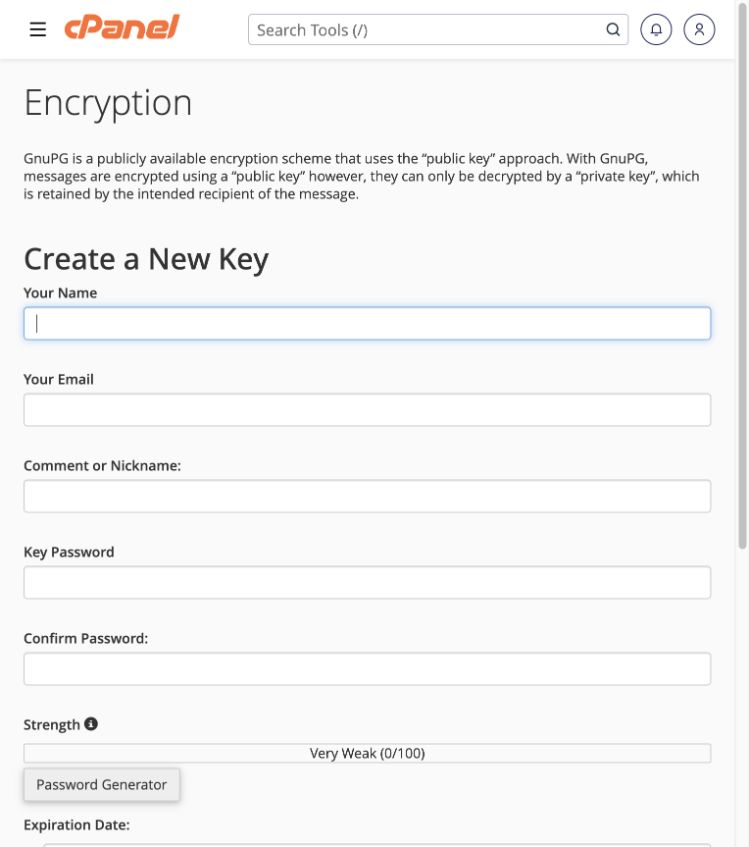 Understand email encryption keys
Use GnuPG keys with compatible email software; this is separate from SSL/TLS.
Tools → Email → Encryption
Understand email encryption keys
Use GnuPG keys with compatible email software; this is separate from SSL/TLS.
Tools → Email → Encryption