Files & access
9 guides
-
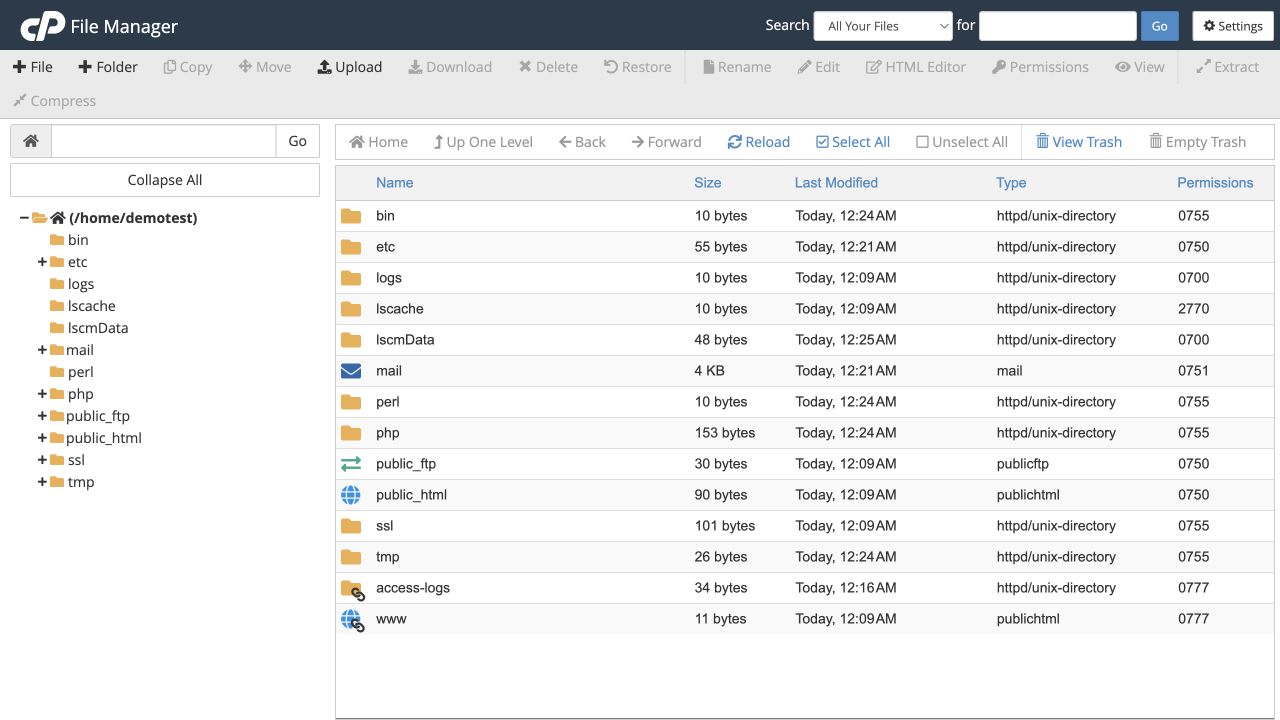 Find and upload website files
Locate the correct website folder before uploading or creating files.
Tools → Files → File Manager
Find and upload website files
Locate the correct website folder before uploading or creating files.
Tools → Files → File Manager
-
Edit, copy, move or rename a file
Use the selected file’s toolbar actions without accidentally moving an entire website.
Tools → Files → File Manager
-
Check file and folder permissions
Understand permission settings and avoid making files writable by everyone.
Tools → Files → File Manager → Permissions
-
Delete files and recover them from Trash
Use recoverable deletion where possible and understand when recovery ends.
Tools → Files → File Manager
-
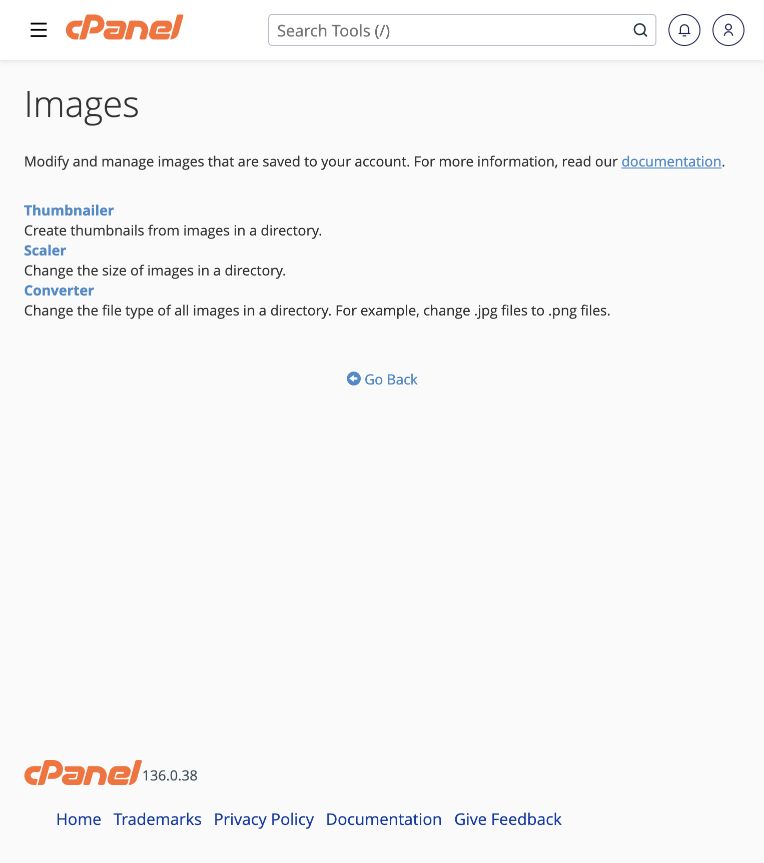 Create thumbnails, resize or convert images
Use cPanel’s Images tools on backed-up copies, then check your website references.
Tools → Files → Images
Create thumbnails, resize or convert images
Use cPanel’s Images tools on backed-up copies, then check your website references.
Tools → Files → Images
-
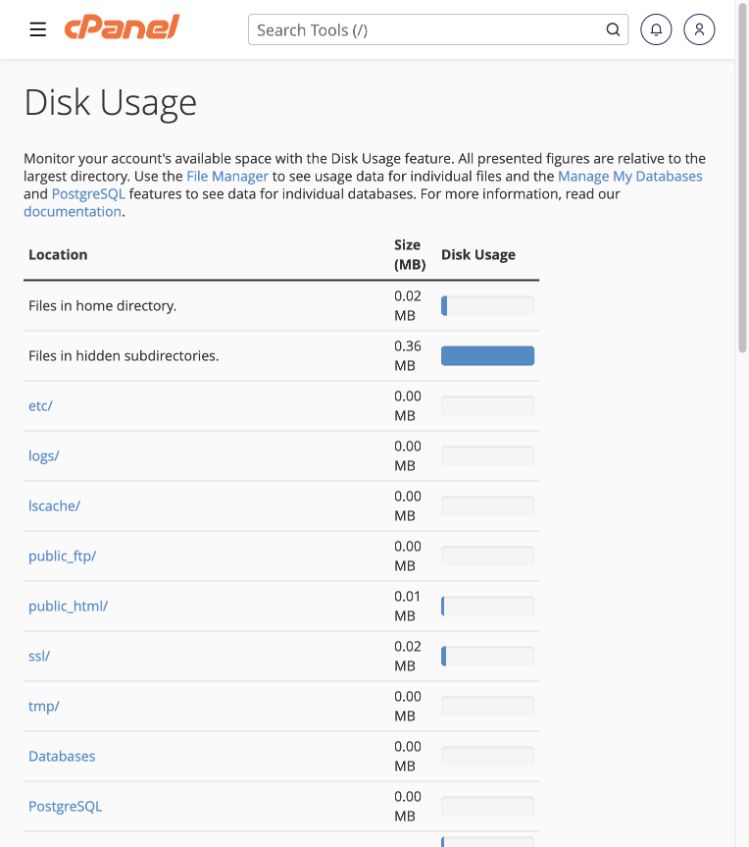 Find what is using hosting storage
Identify large directories before cleaning up or increasing your plan.
Tools → Files → Disk Usage
Find what is using hosting storage
Identify large directories before cleaning up or increasing your plan.
Tools → Files → Disk Usage
-
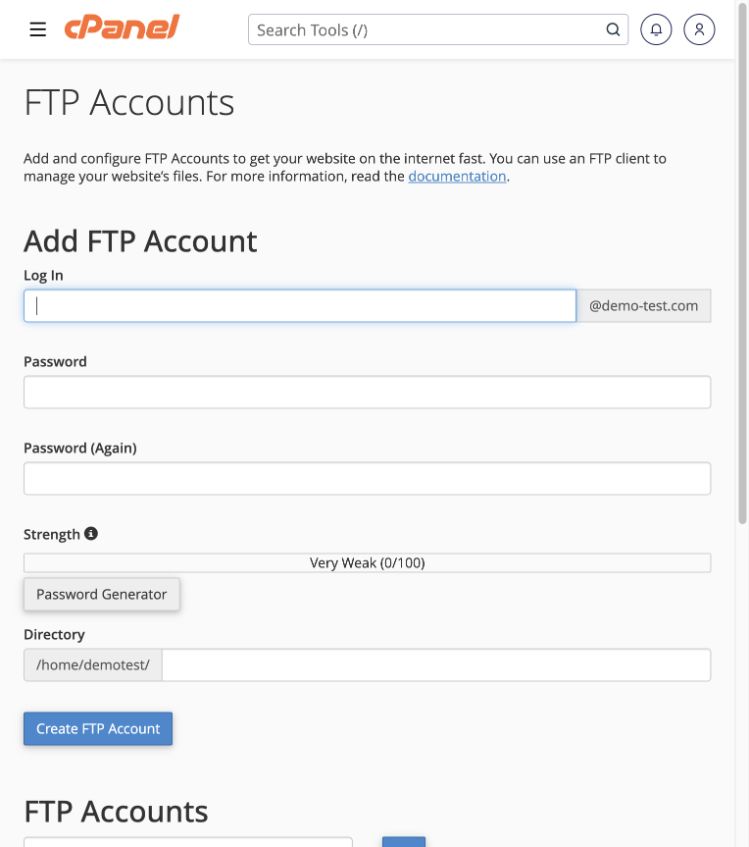 Create a restricted FTP account
Give a file-transfer user access only to the directory they need.
Tools → Files → FTP Accounts
Create a restricted FTP account
Give a file-transfer user access only to the directory they need.
Tools → Files → FTP Accounts
-
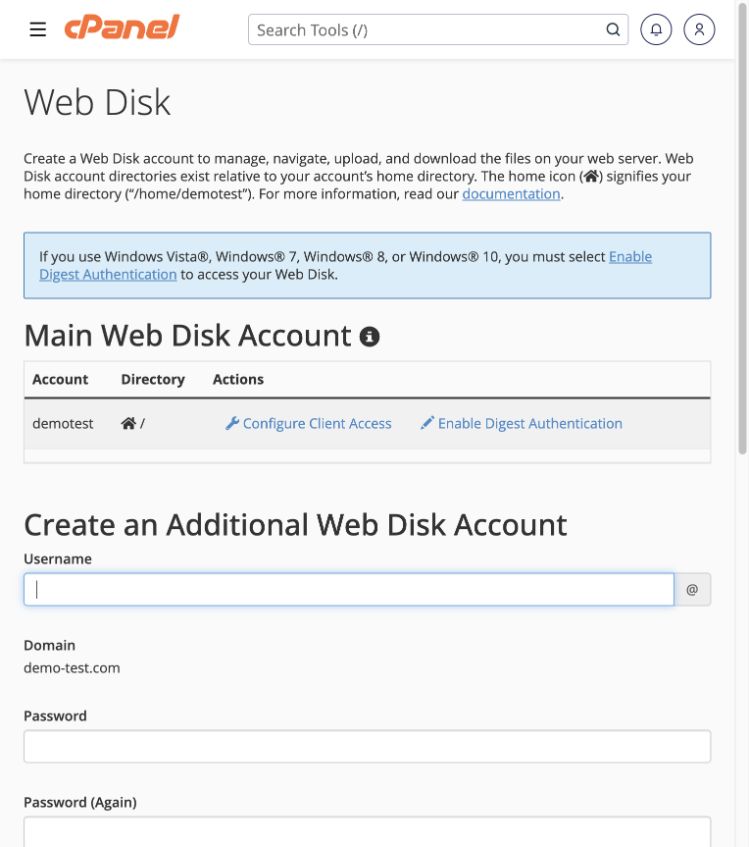 Connect to files using Web Disk
Use WebDAV access with the minimum directory and read/write permissions needed.
Tools → Files → Web Disk
Connect to files using Web Disk
Use WebDAV access with the minimum directory and read/write permissions needed.
Tools → Files → Web Disk
-
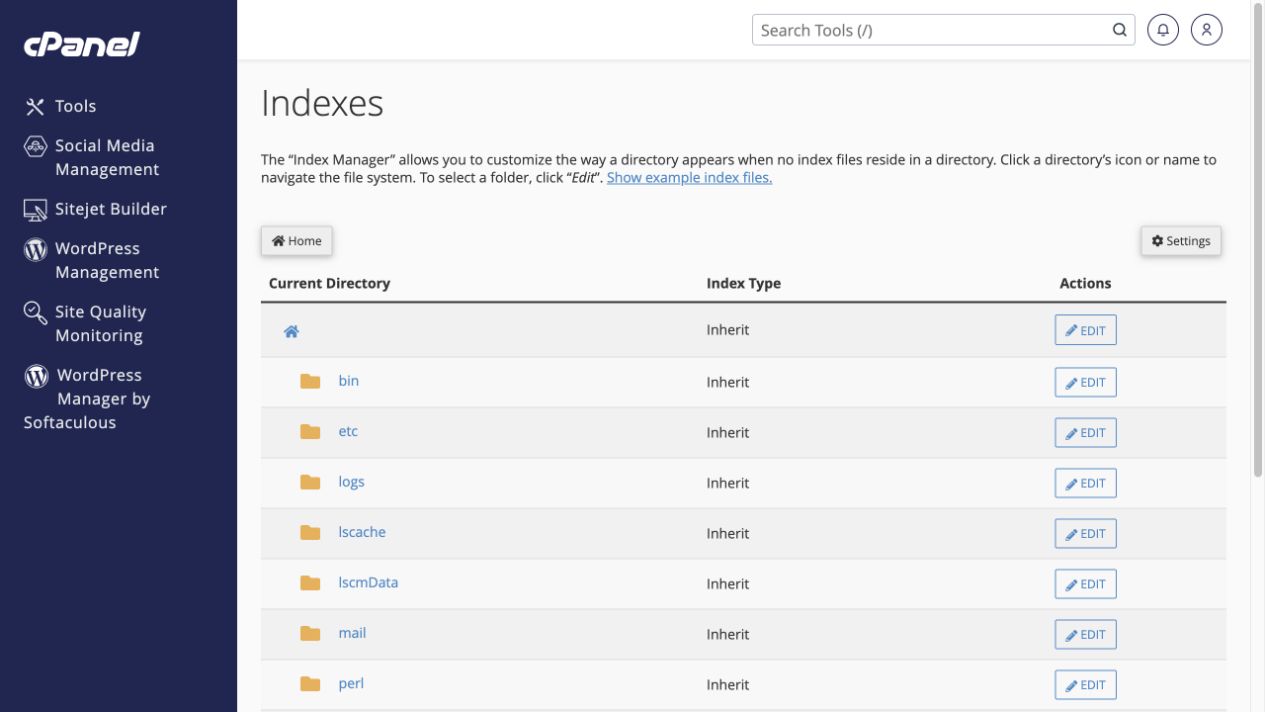 Hide a directory’s file listing
Use No Indexing when visitors should not see a list of files in an unprotected folder.
Tools → Advanced → Indexes → Edit
Hide a directory’s file listing
Use No Indexing when visitors should not see a list of files in an unprotected folder.
Tools → Advanced → Indexes → Edit