Monitoring & troubleshooting
7 guides
-
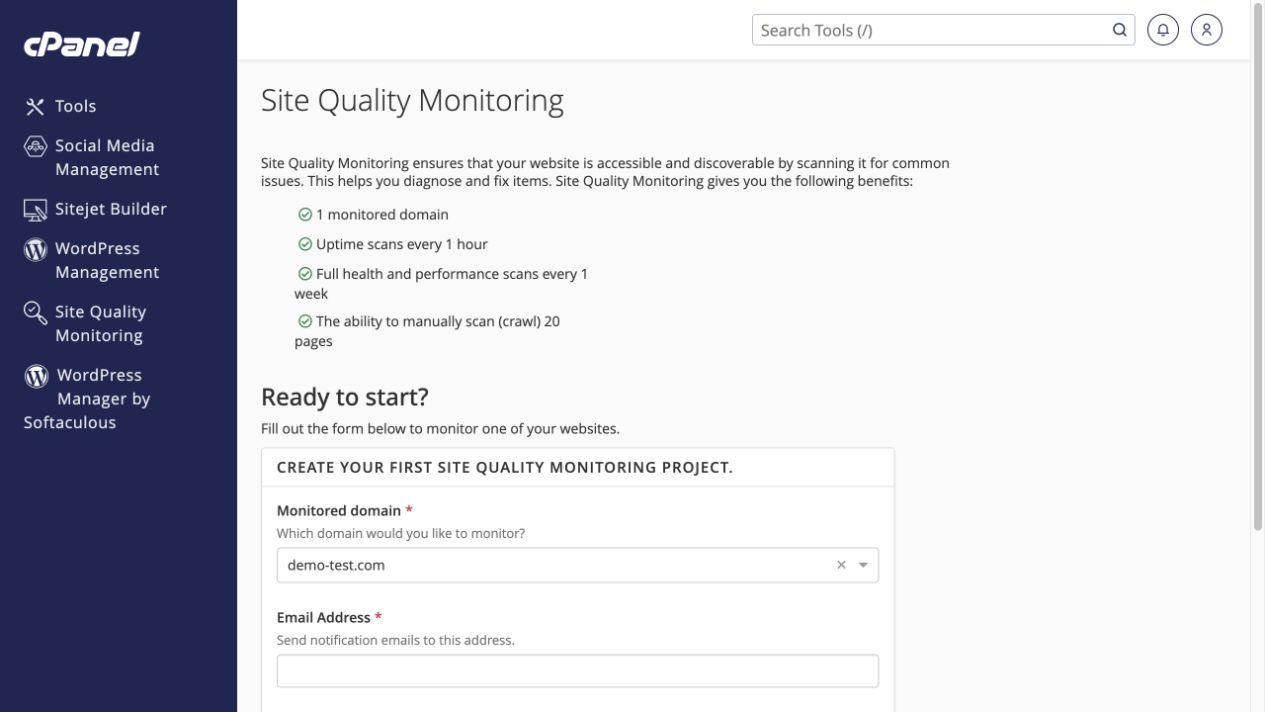 Set up Site Quality Monitoring
Choose a website and notification address before creating a monitoring project.
Tools → Metrics → Site Quality Monitoring
Set up Site Quality Monitoring
Choose a website and notification address before creating a monitoring project.
Tools → Metrics → Site Quality Monitoring
-
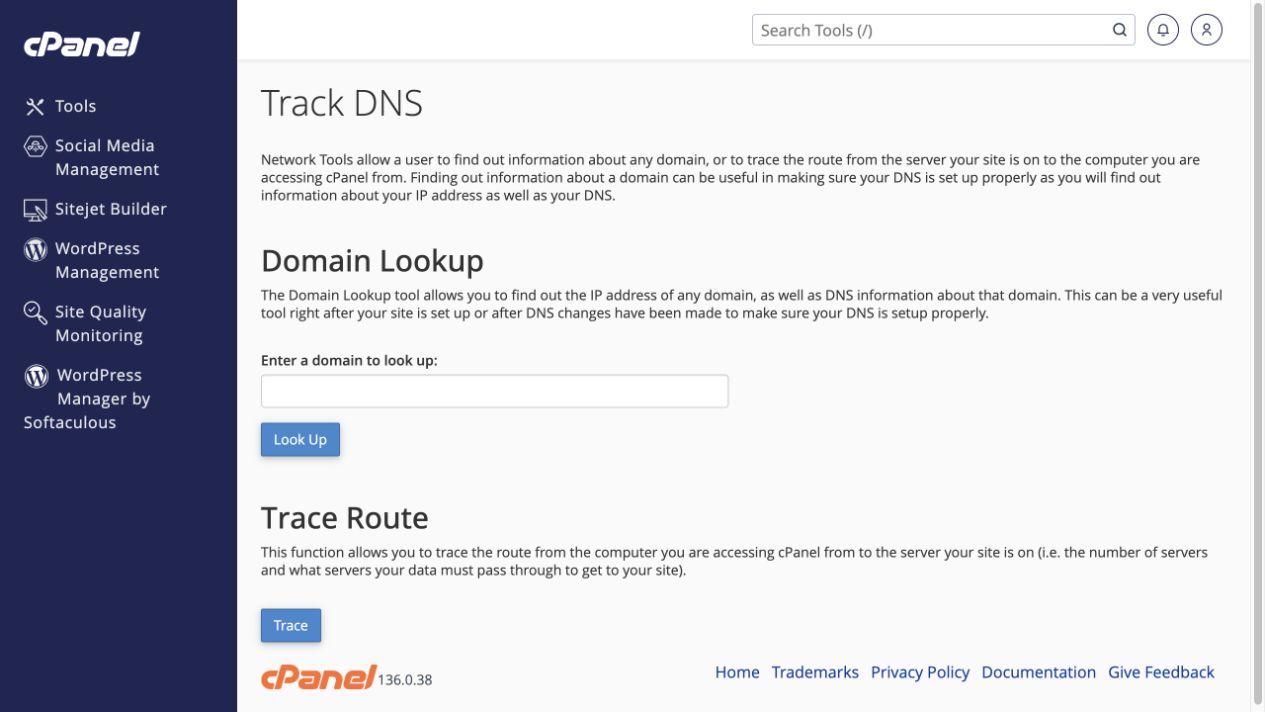 Look up DNS or trace a network route
Use Track DNS as one diagnostic view, not proof of worldwide DNS propagation.
Tools → Advanced → Track DNS
Look up DNS or trace a network route
Use Track DNS as one diagnostic view, not proof of worldwide DNS propagation.
Tools → Advanced → Track DNS
-
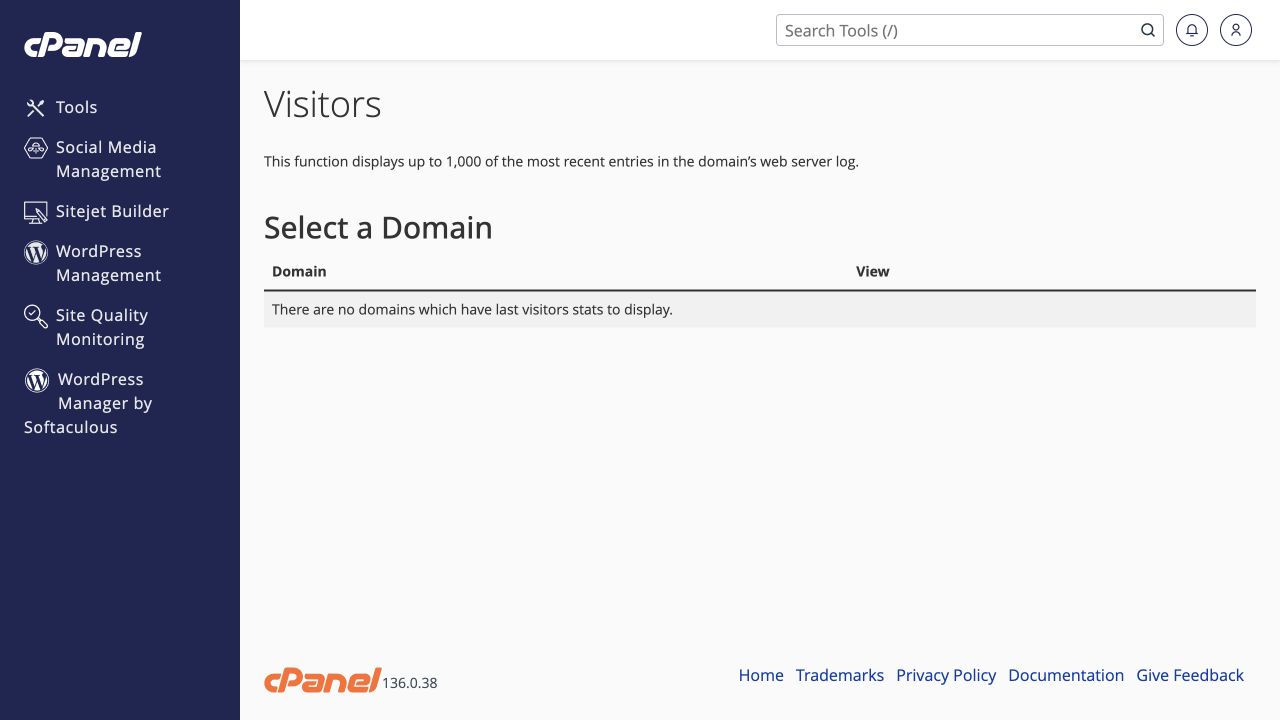 Read visitor and Webalizer statistics
Use recent access entries and processed traffic reports for different questions.
Tools → Metrics → Visitors / Webalizer / Webalizer FTP
Read visitor and Webalizer statistics
Use recent access entries and processed traffic reports for different questions.
Tools → Metrics → Visitors / Webalizer / Webalizer FTP
-
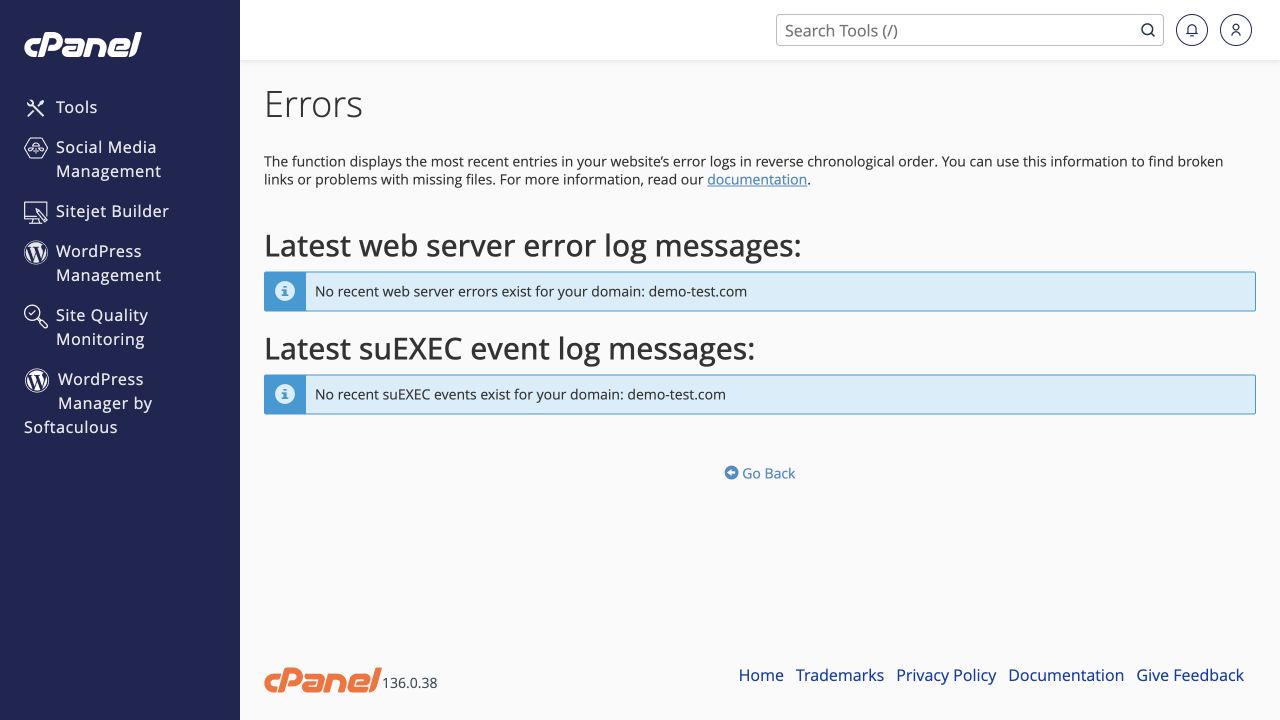 Find website errors without exposing them publicly
Match a failed request to a timestamp in the Errors screen and application logs.
Tools → Metrics → Errors
Find website errors without exposing them publicly
Match a failed request to a timestamp in the Errors screen and application logs.
Tools → Metrics → Errors
-
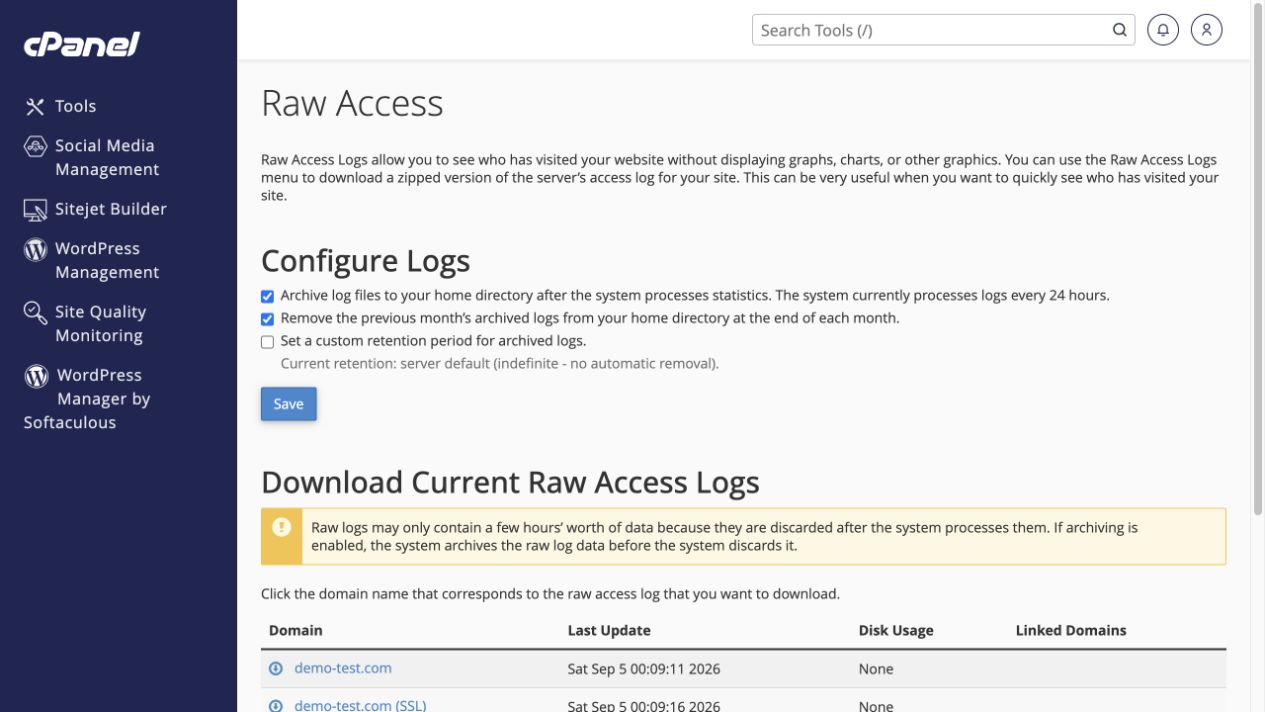 Download or retain raw access logs
Choose the right domain and understand how log archives consume disk space.
Tools → Metrics → Raw Access
Download or retain raw access logs
Choose the right domain and understand how log archives consume disk space.
Tools → Metrics → Raw Access
-
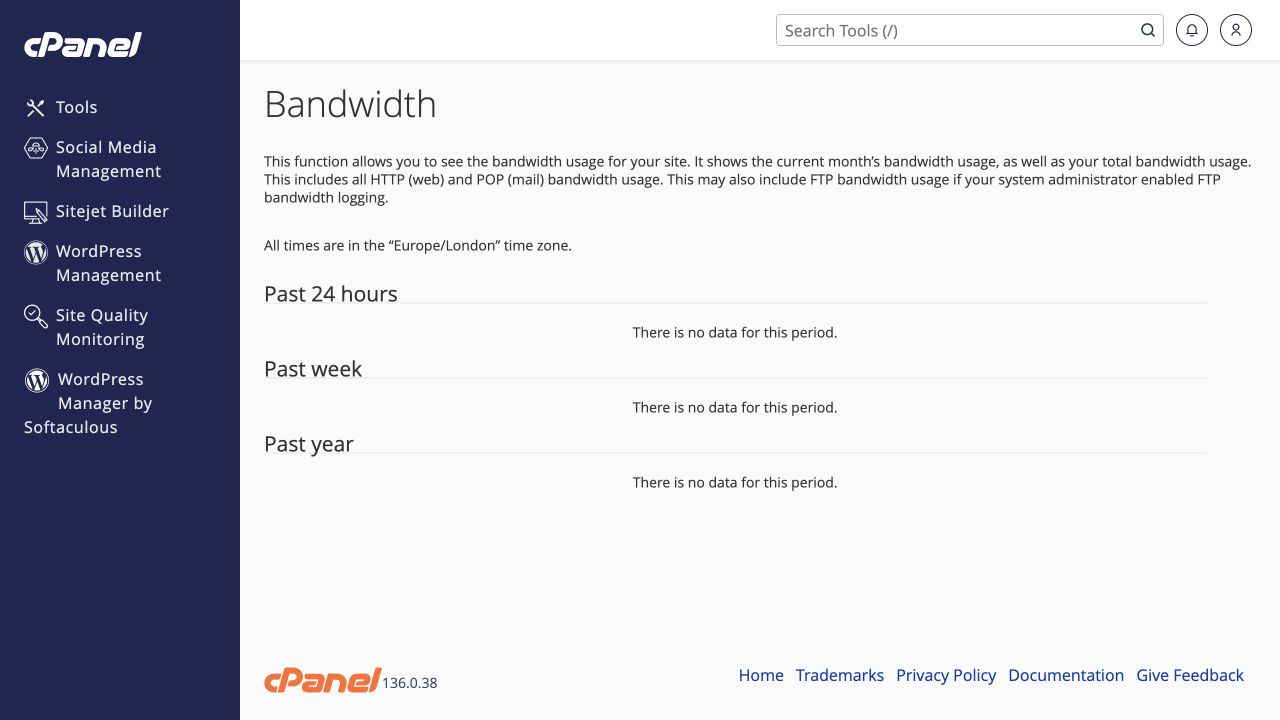 Check bandwidth usage
Distinguish transferred data from disk storage and look for unusual trends.
Tools → Metrics → Bandwidth
Check bandwidth usage
Distinguish transferred data from disk storage and look for unusual trends.
Tools → Metrics → Bandwidth
-
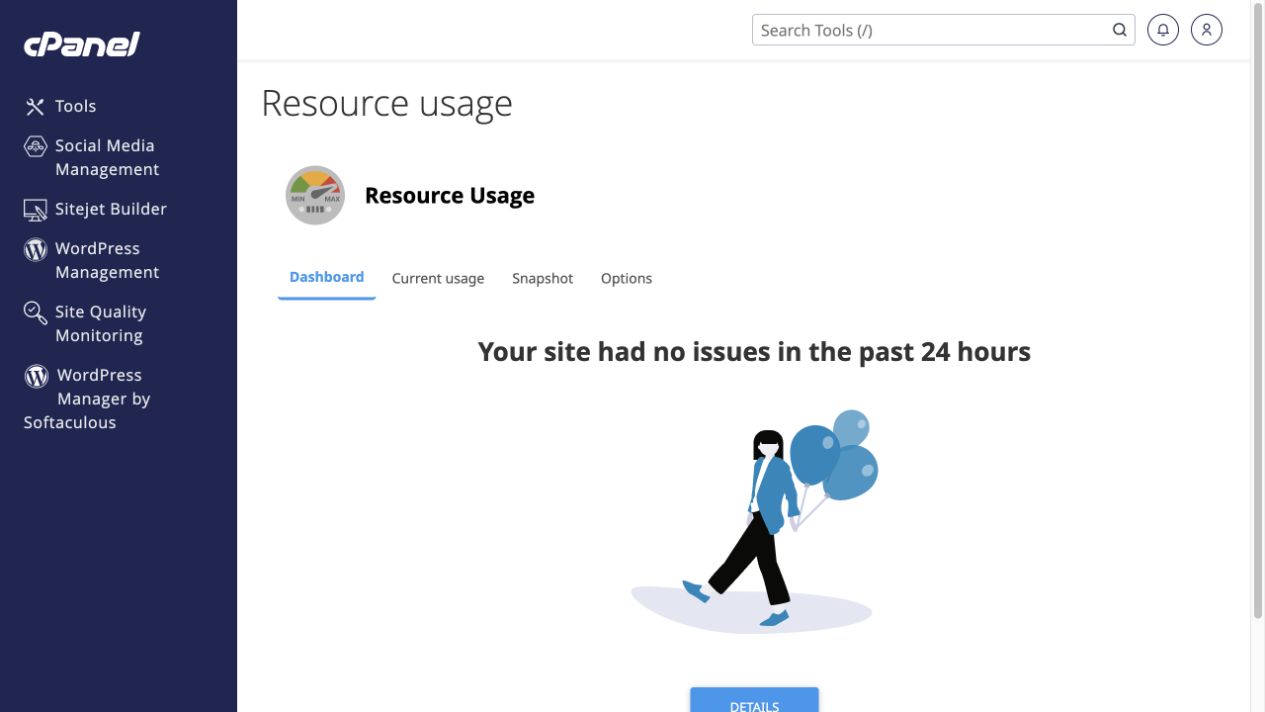 Investigate CPU, memory and account limits
Use Resource Usage to connect slow periods with resource pressure.
Tools → Metrics → Resource Usage
Investigate CPU, memory and account limits
Use Resource Usage to connect slow periods with resource pressure.
Tools → Metrics → Resource Usage