PHP & performance
7 guides
-
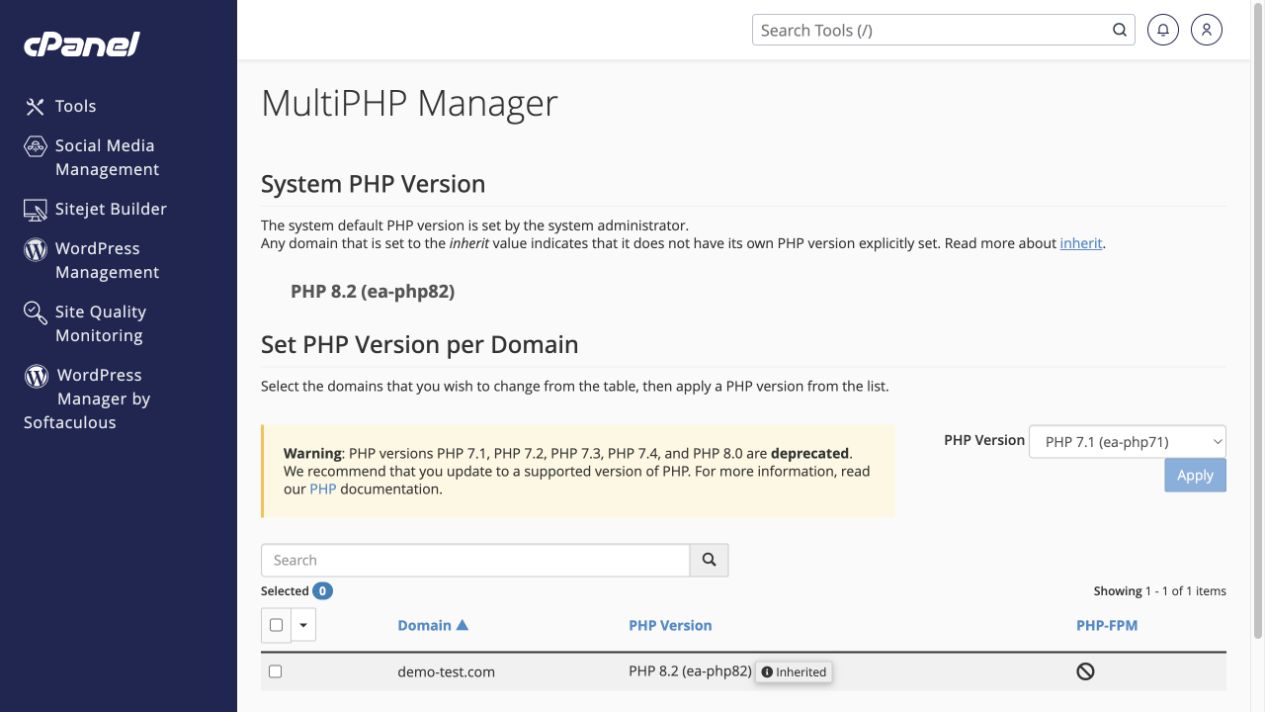 Choose the PHP version for a website
Find the active PHP version and use the correct control for your hosting configuration.
Tools → Software → MultiPHP Manager / Select PHP Version
Choose the PHP version for a website
Find the active PHP version and use the correct control for your hosting configuration.
Tools → Software → MultiPHP Manager / Select PHP Version
-
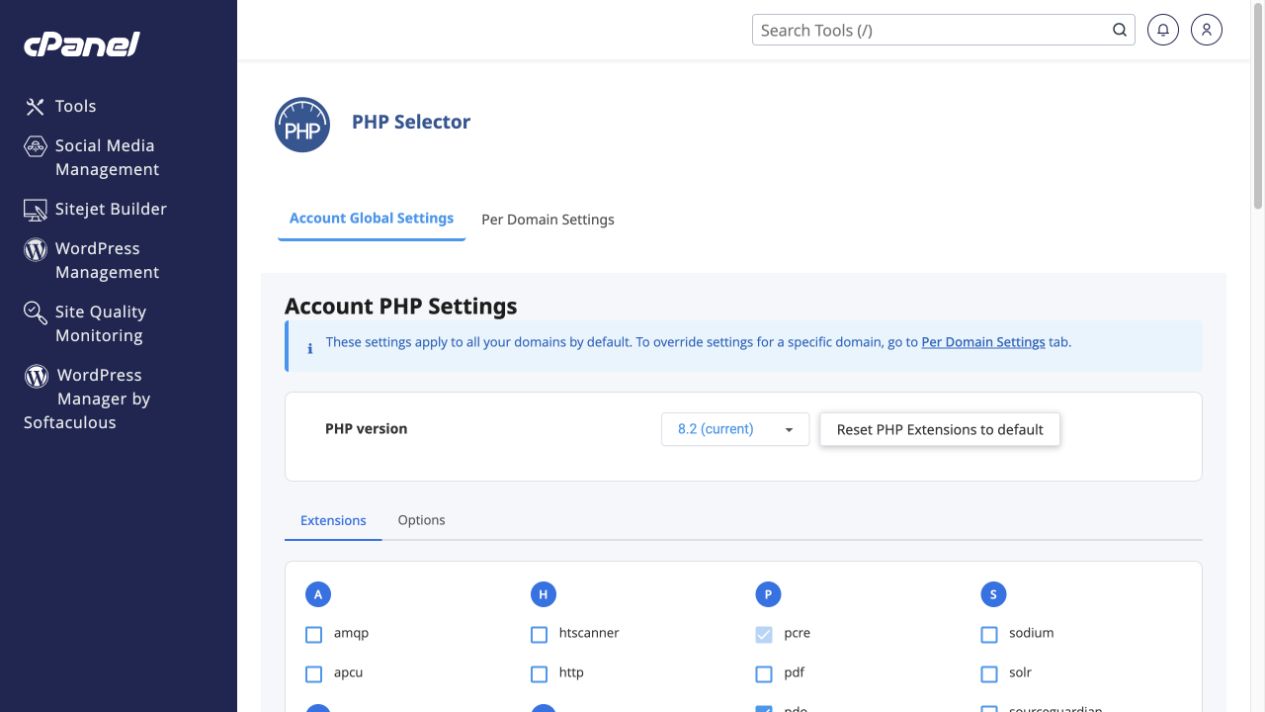 Enable a required PHP extension
Use PHP Selector to review modules without resetting working configuration.
Tools → Software → Select PHP Version → Extensions
Enable a required PHP extension
Use PHP Selector to review modules without resetting working configuration.
Tools → Software → Select PHP Version → Extensions
-
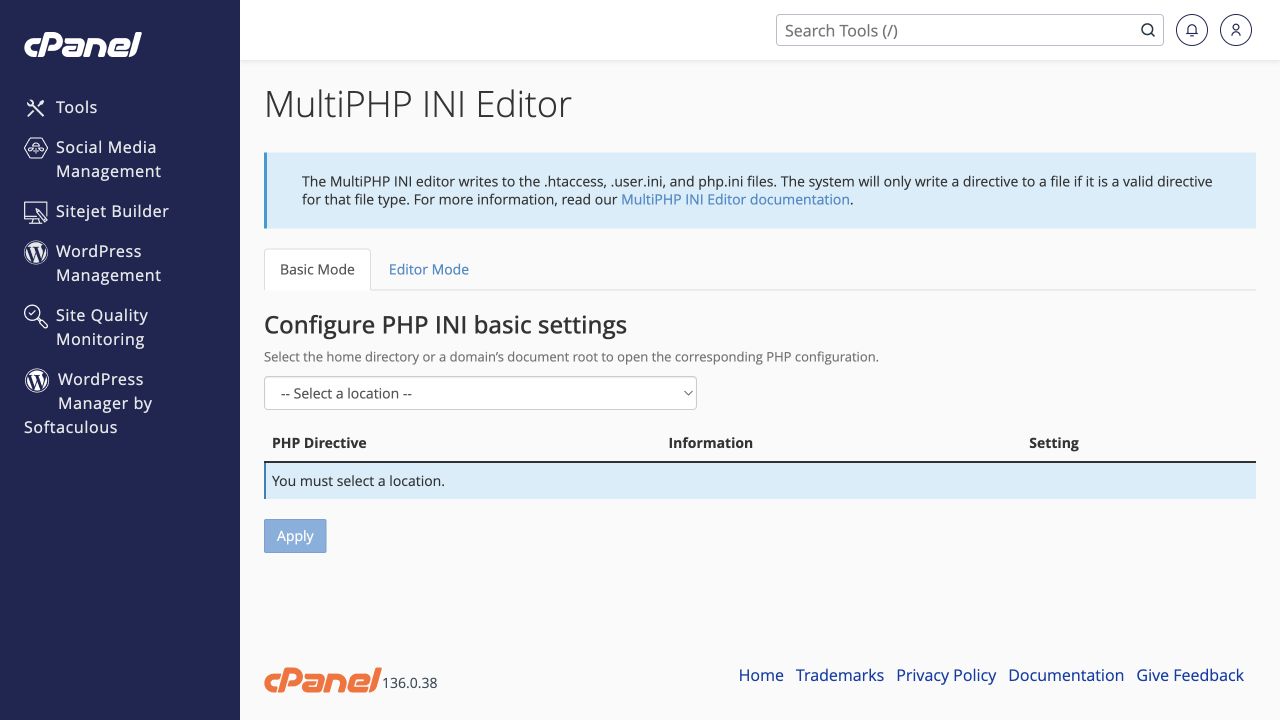 Change upload limits and other PHP settings
Choose the domain first, then adjust only the setting your application requires.
Tools → Software → MultiPHP INI Editor → Basic Mode
Change upload limits and other PHP settings
Choose the domain first, then adjust only the setting your application requires.
Tools → Software → MultiPHP INI Editor → Basic Mode
-
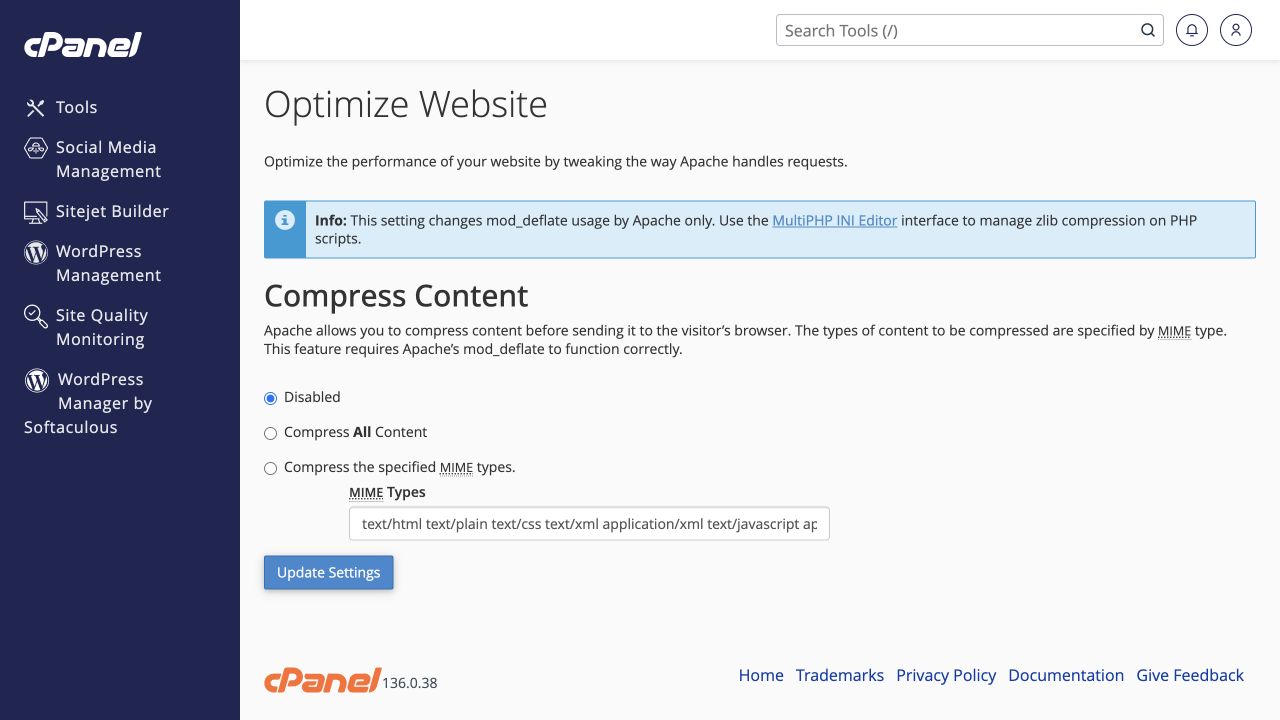 Review website compression settings
Understand the Optimize Website options before changing response compression.
Tools → Software → Optimize Website
Review website compression settings
Understand the Optimize Website options before changing response compression.
Tools → Software → Optimize Website
-
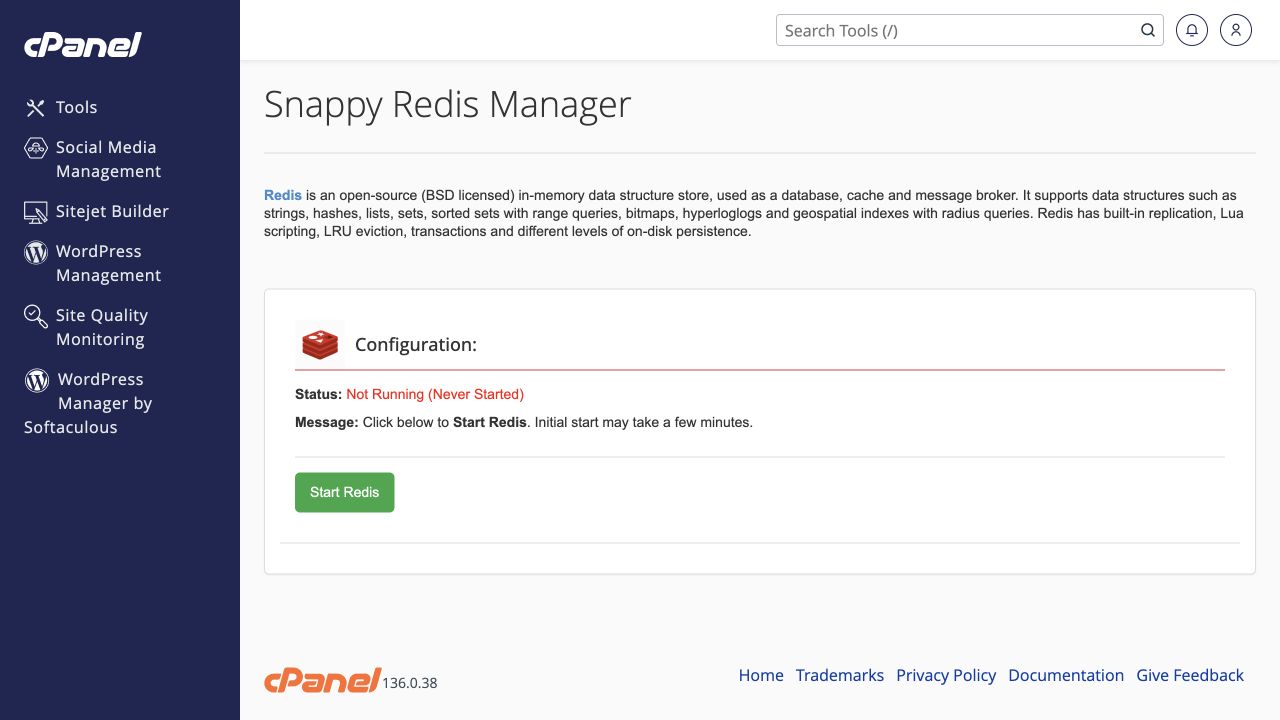 Understand the two Redis controls
Distinguish Snappy Redis service startup from application-specific Redis cache configuration.
Tools → Software → Redis Manager by Snappy / LiteSpeed Redis Cache
Understand the two Redis controls
Distinguish Snappy Redis service startup from application-specific Redis cache configuration.
Tools → Software → Redis Manager by Snappy / LiteSpeed Redis Cache
-
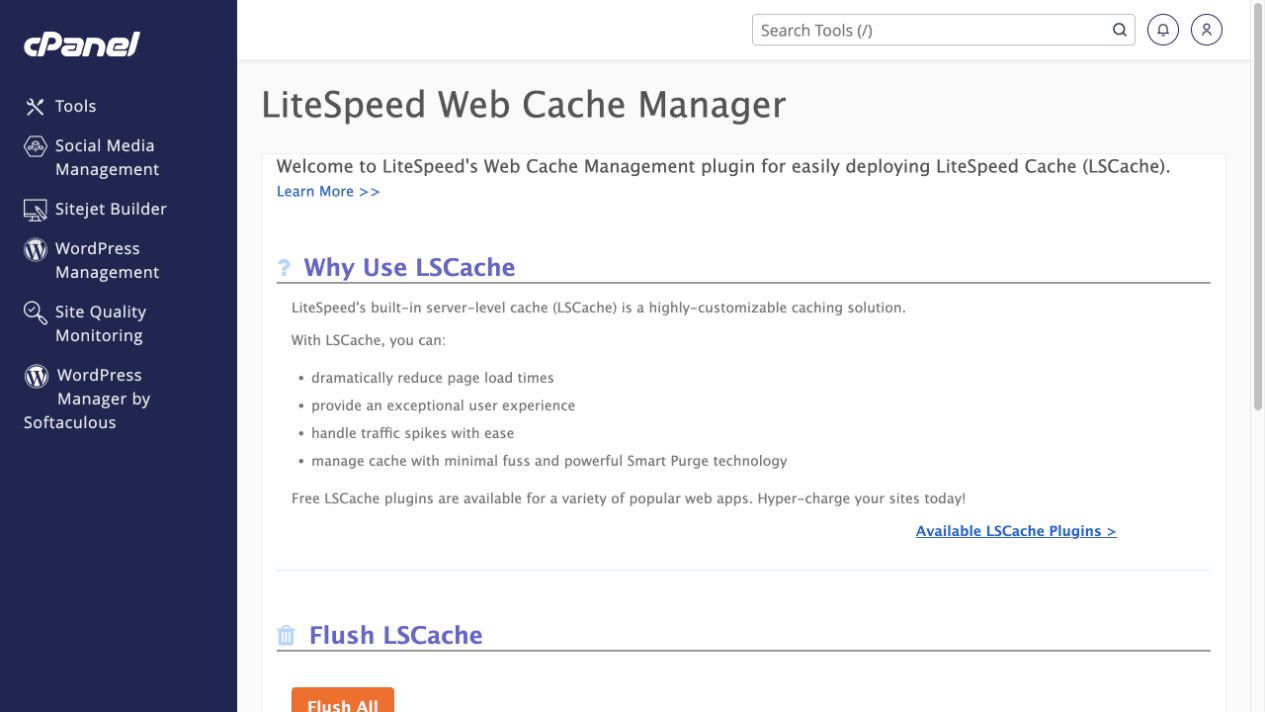 Clear LiteSpeed cache safely
Choose a single-site purge where possible instead of flushing every owned site.
Tools → Software → LiteSpeed Web Cache Manager
Clear LiteSpeed cache safely
Choose a single-site purge where possible instead of flushing every owned site.
Tools → Software → LiteSpeed Web Cache Manager
-
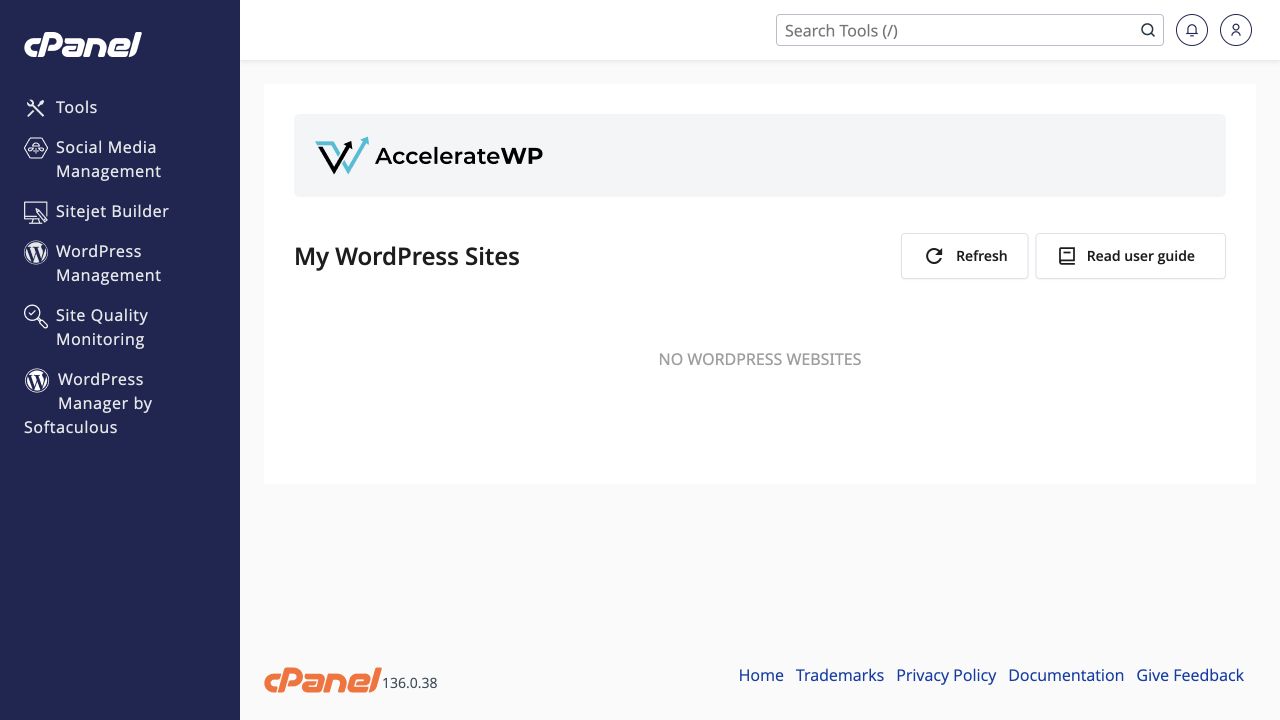 Check whether AccelerateWP can manage your site
Discover compatible WordPress sites before enabling optimisation.
Tools → Software → AccelerateWP
Check whether AccelerateWP can manage your site
Discover compatible WordPress sites before enabling optimisation.
Tools → Software → AccelerateWP