SSL & security
12 guides
-
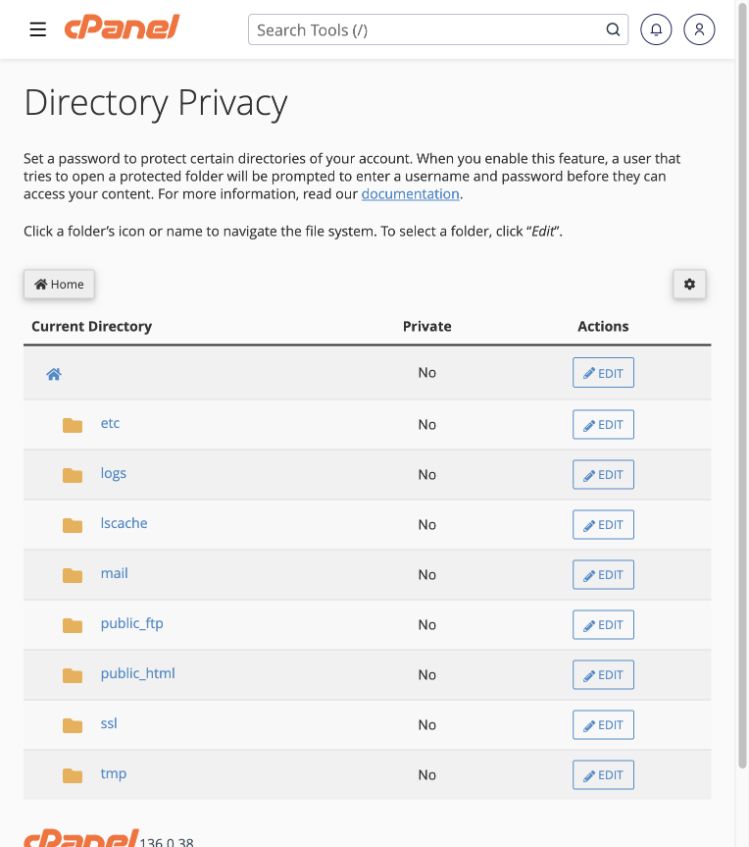 Password-protect a website directory
Add a separate login prompt in front of a directory, for example a private test area.
Tools → Files → Directory Privacy
Password-protect a website directory
Add a separate login prompt in front of a directory, for example a private test area.
Tools → Files → Directory Privacy
-
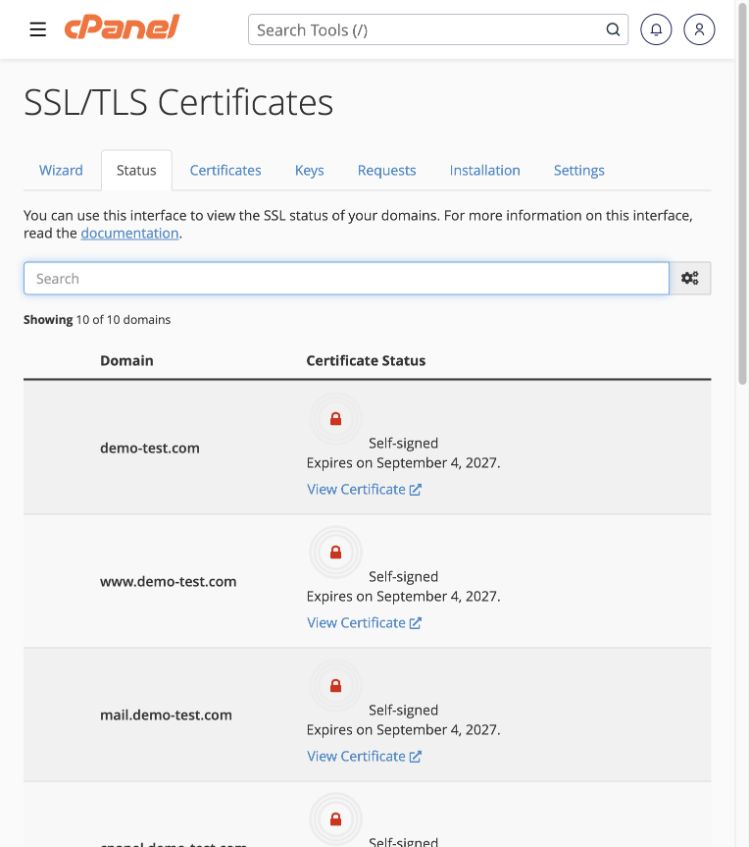 Check whether a certificate is valid
Read the certificate status for each hostname instead of assuming one domain covers every service.
Tools → Security → SSL/TLS Certificates → Status
Check whether a certificate is valid
Read the certificate status for each hostname instead of assuming one domain covers every service.
Tools → Security → SSL/TLS Certificates → Status
-
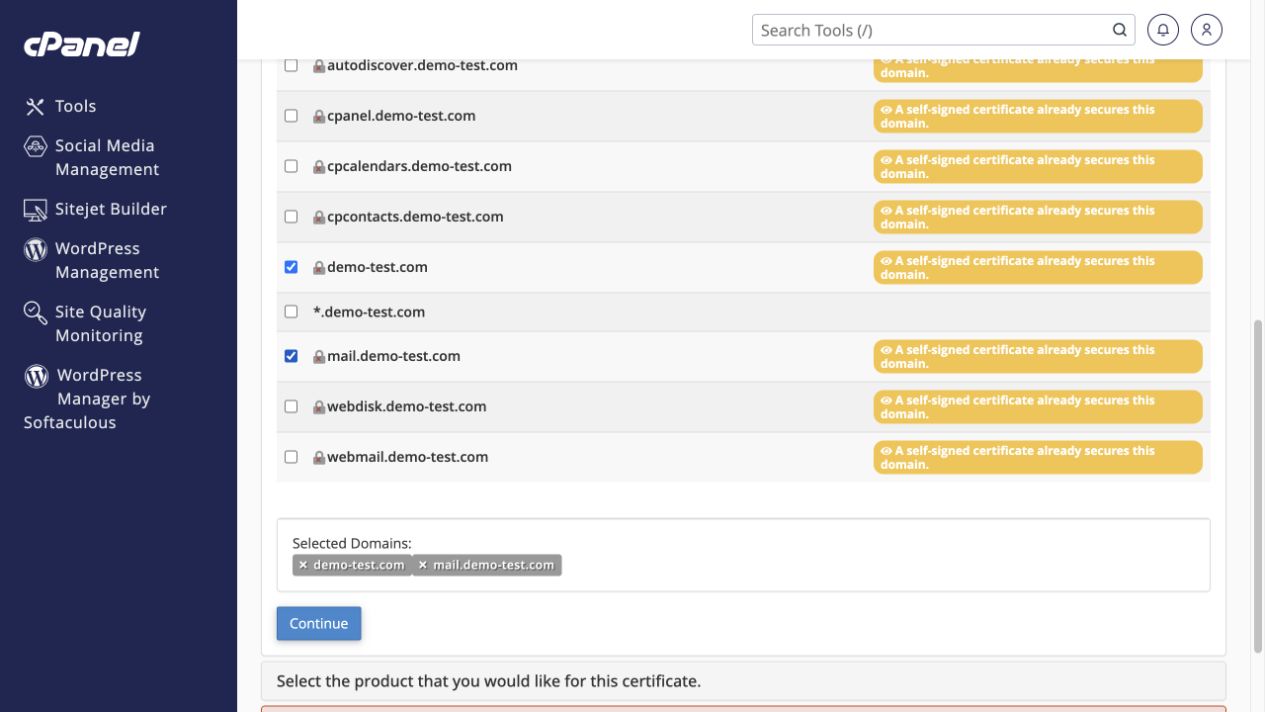 Request a Let’s Encrypt certificate
Choose the hostnames to secure in the Wizard and resolve domain-validation issues.
Tools → Security → SSL/TLS Certificates → Wizard
Request a Let’s Encrypt certificate
Choose the hostnames to secure in the Wizard and resolve domain-validation issues.
Tools → Security → SSL/TLS Certificates → Wizard
-
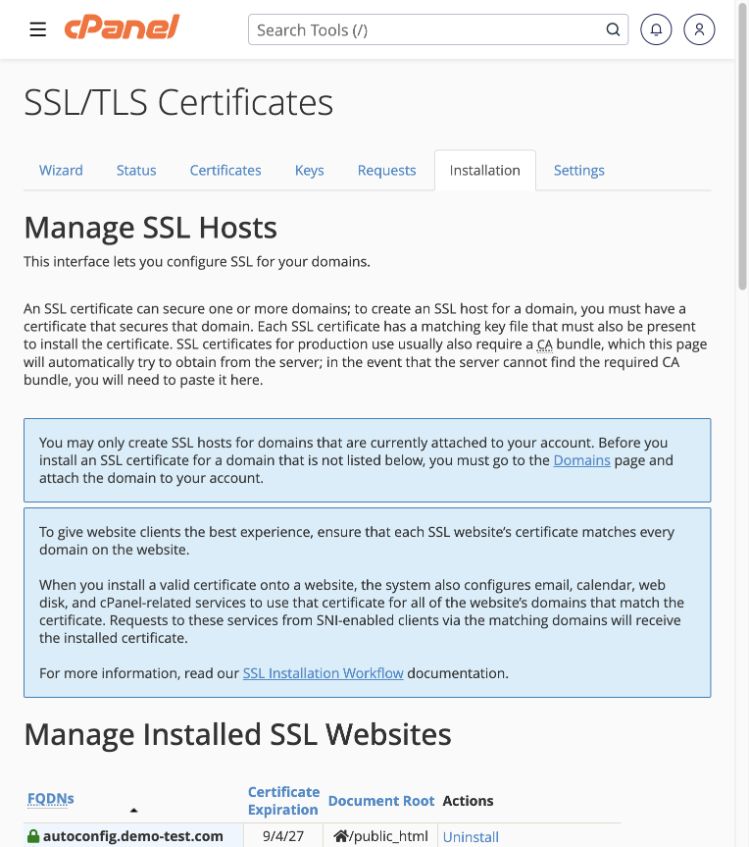 Install a certificate you already own
Choose the website, supply the matching certificate and key, and understand mail coverage.
Tools → Security → SSL/TLS Certificates → Installation
Install a certificate you already own
Choose the website, supply the matching certificate and key, and understand mail coverage.
Tools → Security → SSL/TLS Certificates → Installation
-
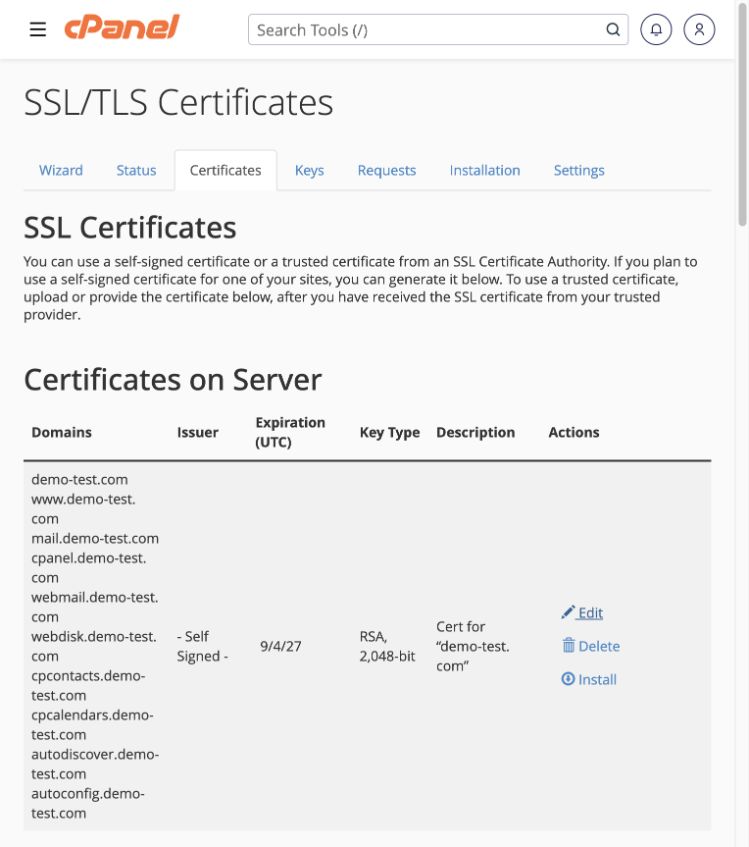 Manage certificates, keys and signing requests
Understand the Certificates, Keys, Requests and Settings tabs before using a third-party certificate provider.
Tools → Security → SSL/TLS Certificates
Manage certificates, keys and signing requests
Understand the Certificates, Keys, Requests and Settings tabs before using a third-party certificate provider.
Tools → Security → SSL/TLS Certificates
-
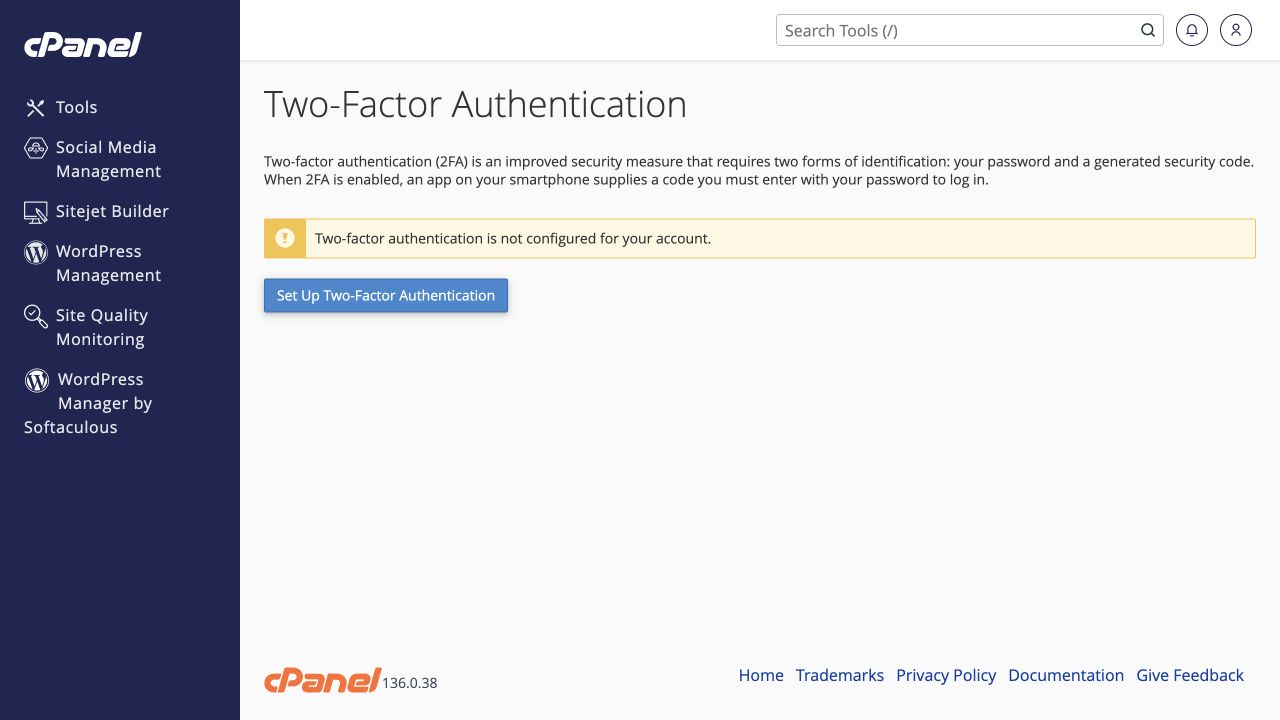 Protect cPanel with two-factor authentication
Require an authenticator code as well as your password when signing in.
Tools → Security → Two-Factor Authentication
Protect cPanel with two-factor authentication
Require an authenticator code as well as your password when signing in.
Tools → Security → Two-Factor Authentication
-
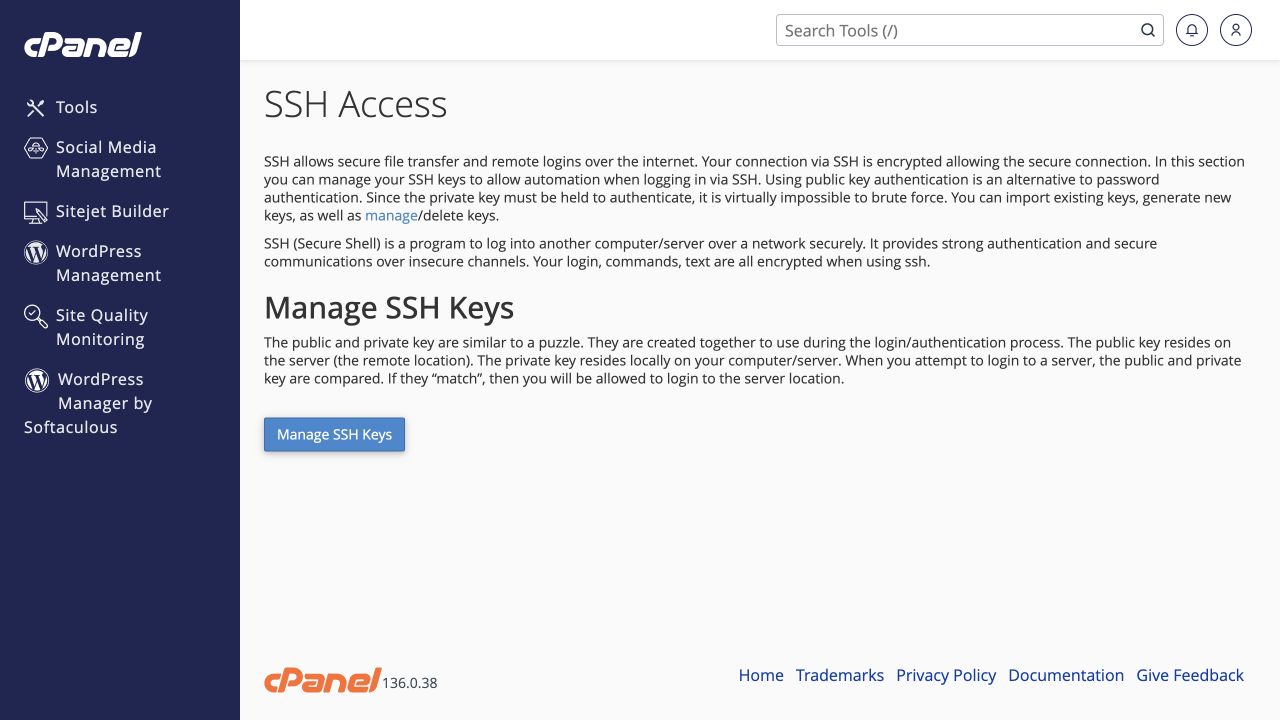 Manage SSH keys and secure server access
Authorise a trusted public key without sharing its private counterpart.
Tools → Security → SSH Access → Manage SSH Keys
Manage SSH keys and secure server access
Authorise a trusted public key without sharing its private counterpart.
Tools → Security → SSH Access → Manage SSH Keys
-
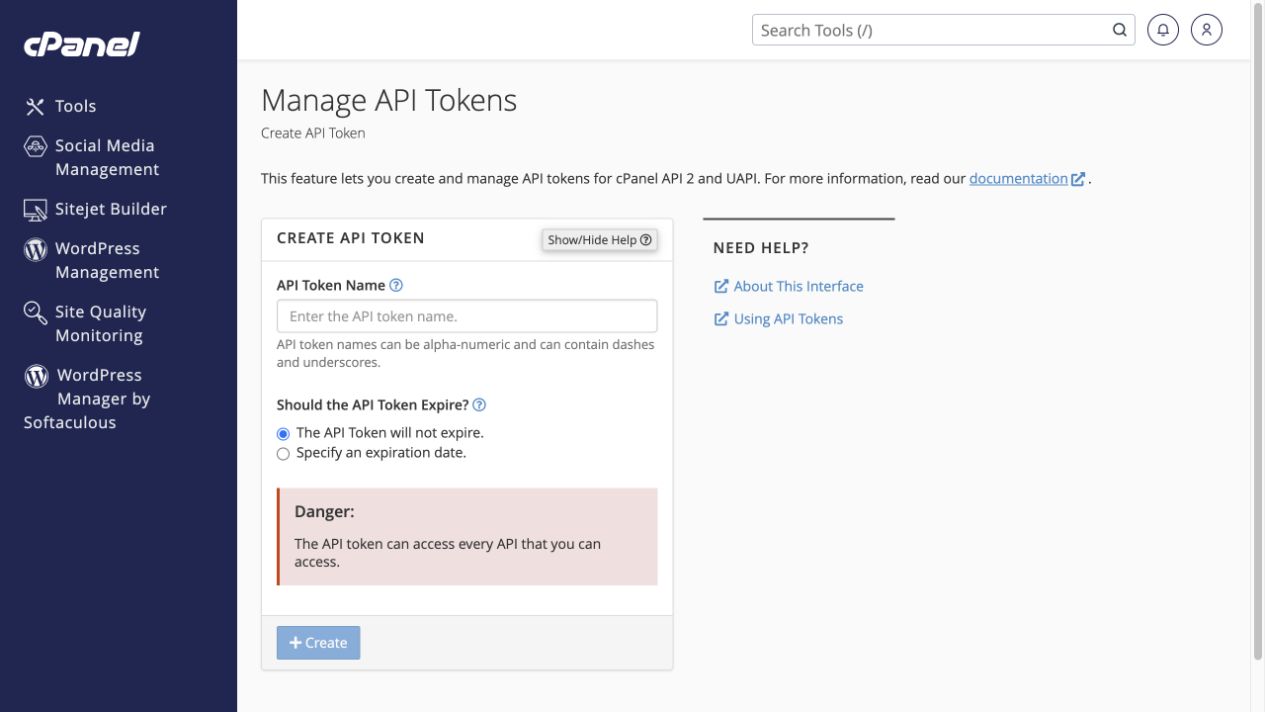 Create and revoke an API token
Give an authorised integration a credential and plan when to revoke it.
Tools → Security → Manage API Tokens
Create and revoke an API token
Give an authorised integration a credential and plan when to revoke it.
Tools → Security → Manage API Tokens
-
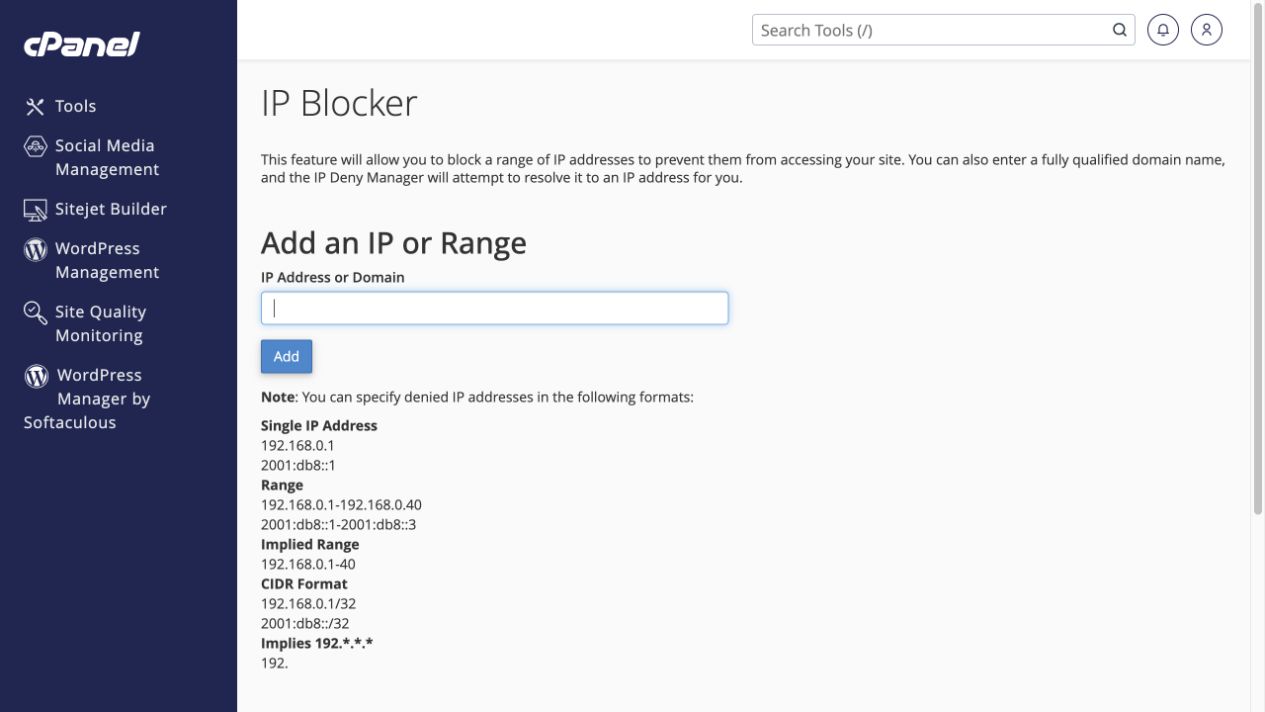 Block an unwanted IP address
Use a narrowly targeted block and check that legitimate visitors still have access.
Tools → Security → IP Blocker
Block an unwanted IP address
Use a narrowly targeted block and check that legitimate visitors still have access.
Tools → Security → IP Blocker
-
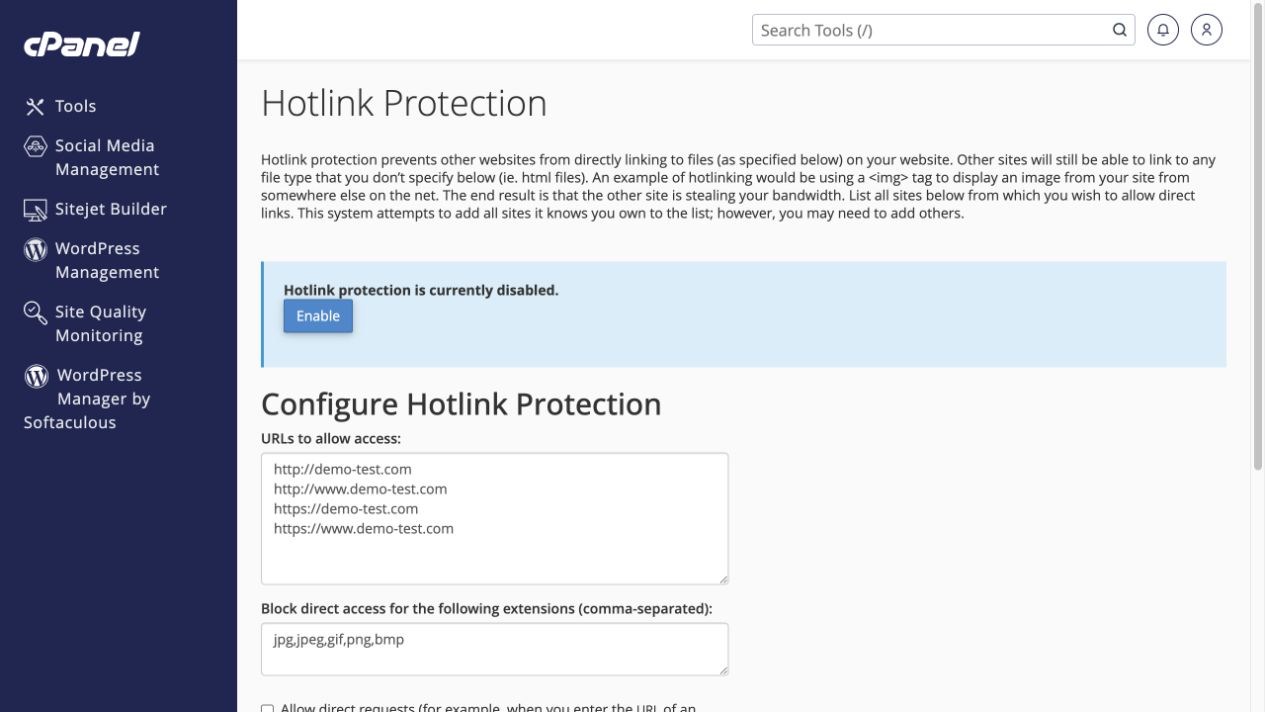 Control other sites linking directly to your files
Configure Hotlink Protection without breaking your own images or trusted integrations.
Tools → Security → Hotlink Protection
Control other sites linking directly to your files
Configure Hotlink Protection without breaking your own images or trusted integrations.
Tools → Security → Hotlink Protection
-
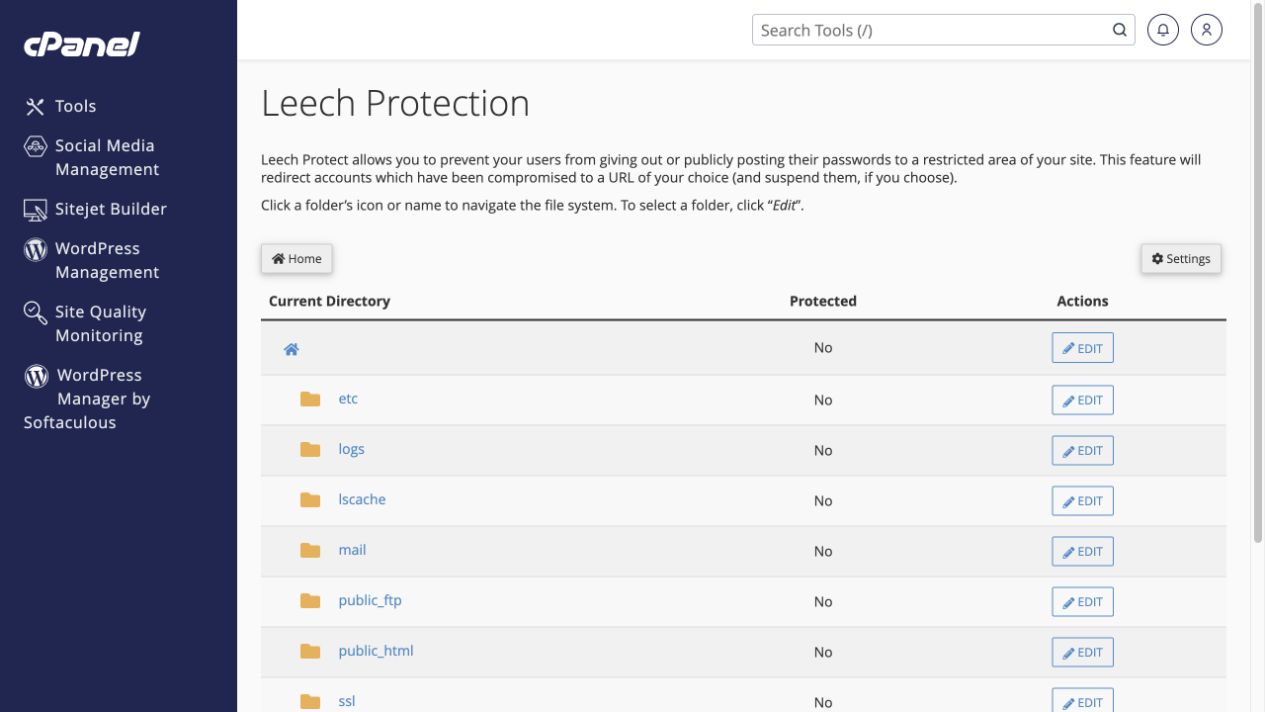 Limit sharing of protected-directory logins
Use Leech Protection for an already password-protected directory.
Tools → Security → Leech Protection
Limit sharing of protected-directory logins
Use Leech Protection for an already password-protected directory.
Tools → Security → Leech Protection
-
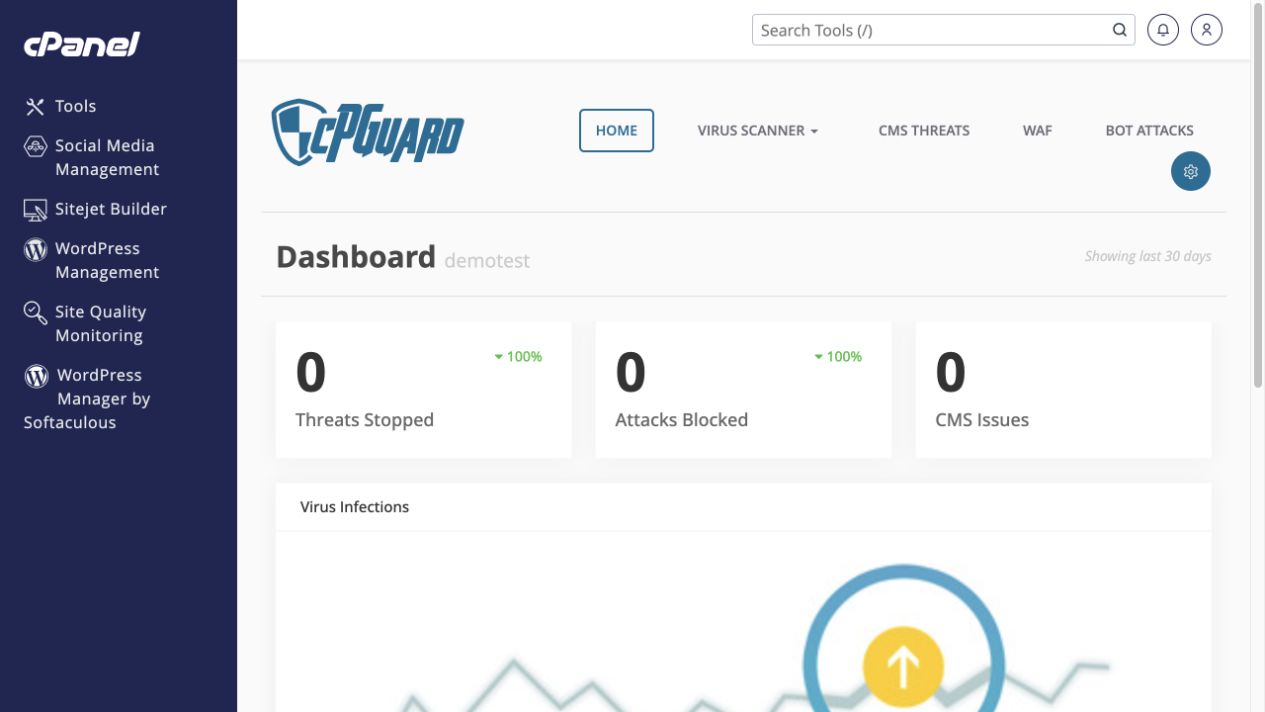 Review malware and blocked attacks in cPGuard
Inspect scans, CMS threats and firewall events before deciding on cleanup.
Tools → Security → cPGuard
Review malware and blocked attacks in cPGuard
Inspect scans, CMS threats and firewall events before deciding on cleanup.
Tools → Security → cPGuard