WordPress & website builders
6 guides
-
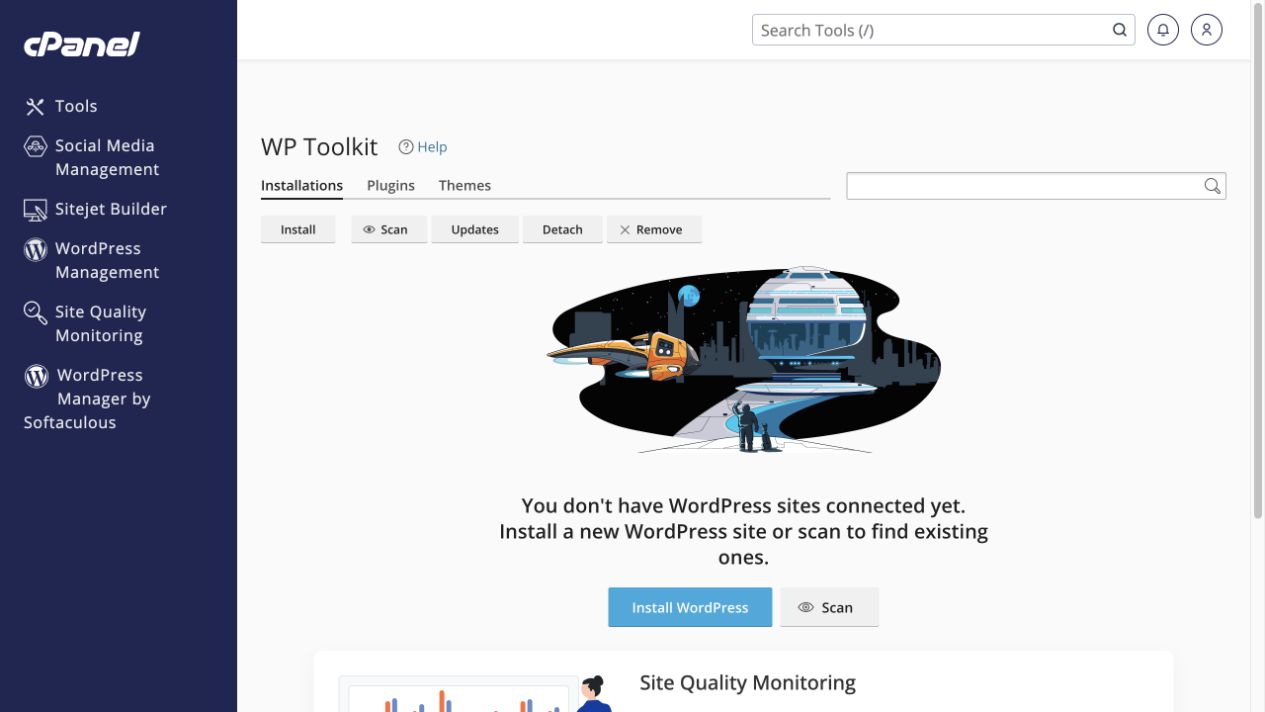 Install a new WordPress website
Choose the correct address and folder before installing through WP Toolkit.
Tools → Domains → WordPress Management → Install
Install a new WordPress website
Choose the correct address and folder before installing through WP Toolkit.
Tools → Domains → WordPress Management → Install
-
Find and maintain an existing WordPress website
Use the correct management tool and take a backup before updates or removals.
Tools → WordPress Management → Installations
-
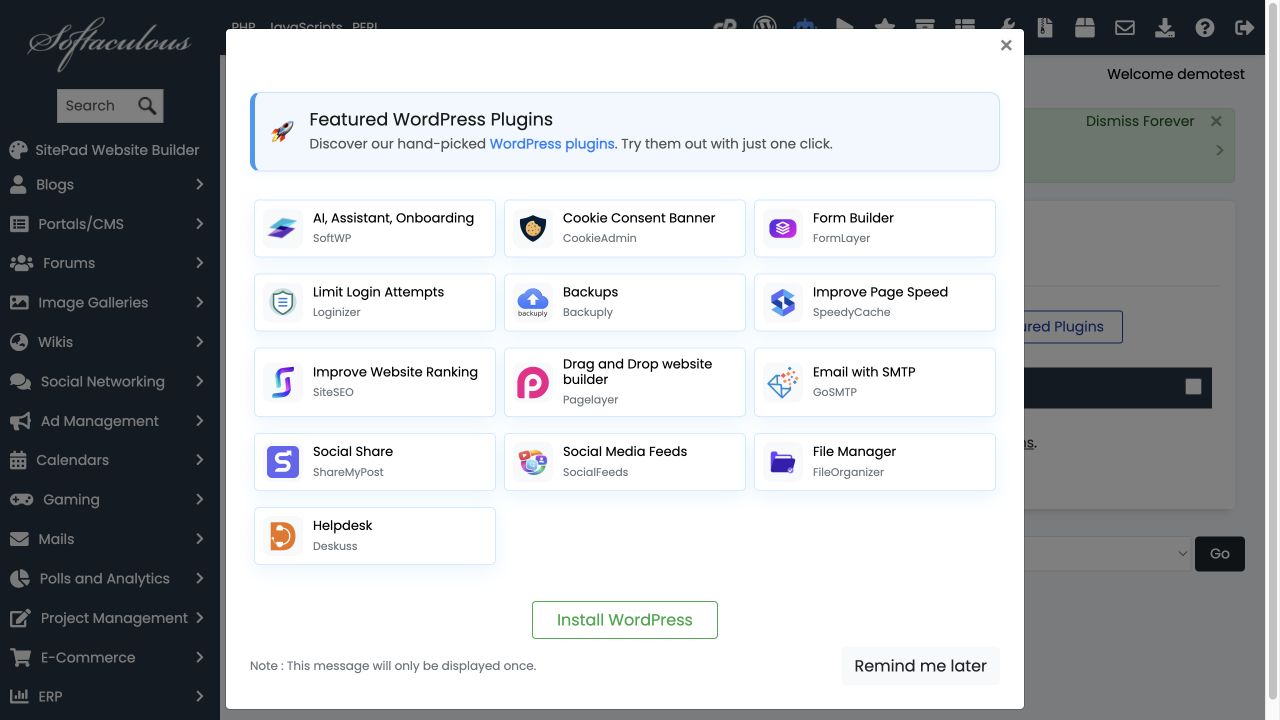 Use WordPress Manager by Softaculous
Understand its Install, Scan and Remote Import entry points without duplicating a website.
Tools → WordPress Manager by Softaculous
Use WordPress Manager by Softaculous
Understand its Install, Scan and Remote Import entry points without duplicating a website.
Tools → WordPress Manager by Softaculous
-
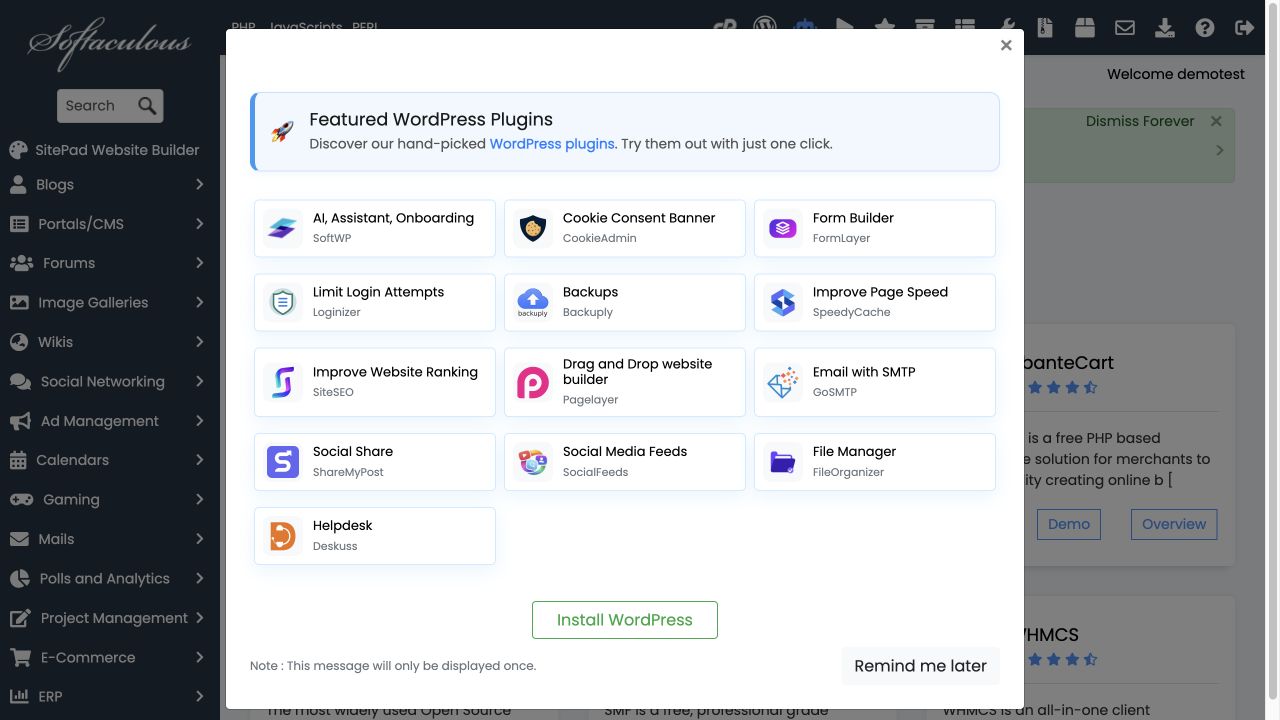 Install an application with Softaculous
Choose a supported application and review its destination before installation.
Tools → Software → Softaculous Apps Installer
Install an application with Softaculous
Choose a supported application and review its destination before installation.
Tools → Software → Softaculous Apps Installer
-
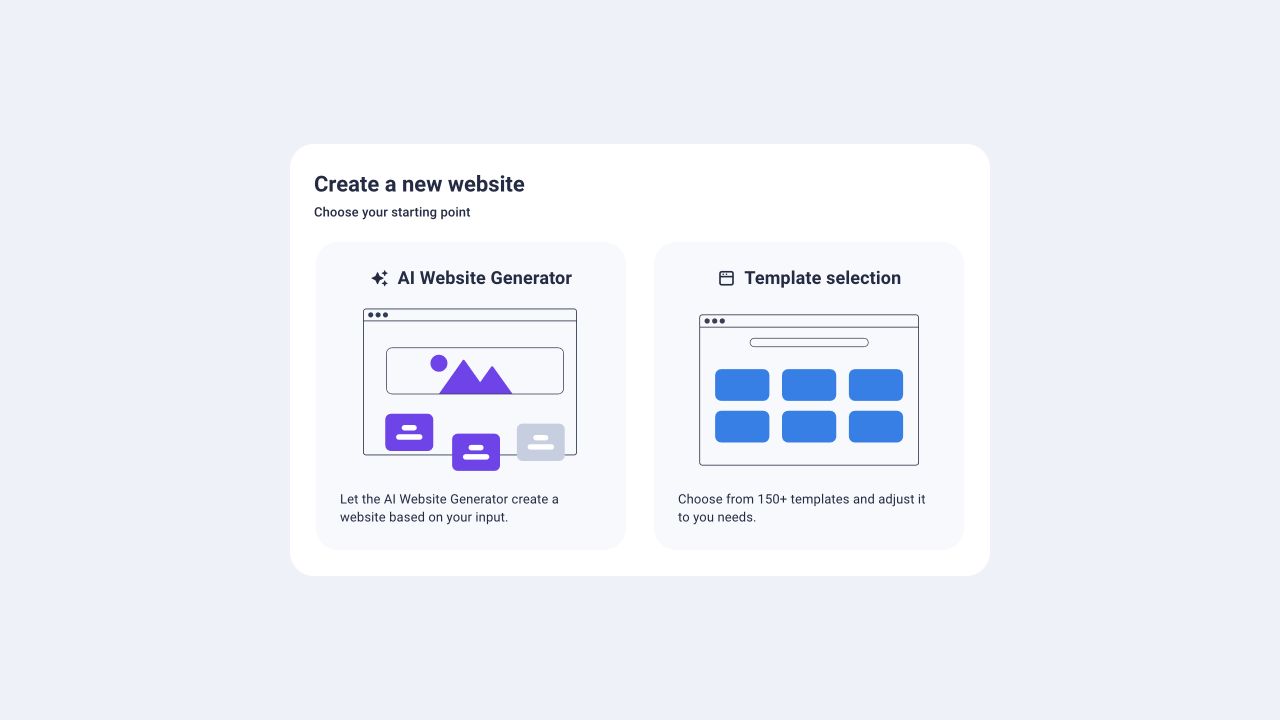 Start a website in Sitejet Builder
Choose an AI-assisted start or a template, then review before publishing.
Tools → Domains → Sitejet Builder
Start a website in Sitejet Builder
Choose an AI-assisted start or a template, then review before publishing.
Tools → Domains → Sitejet Builder
-
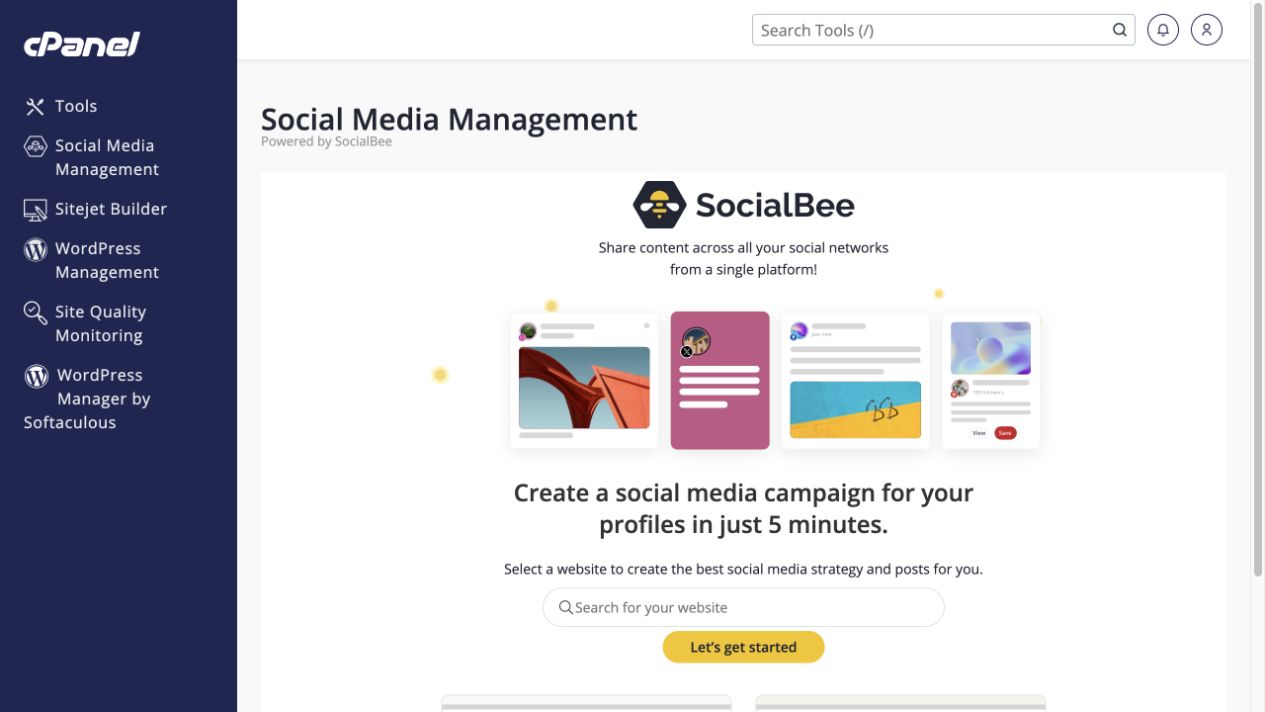 Understand Social Media Management
Review the SocialBee integration and its permissions before connecting social accounts.
Tools → Domains → Social Media Management
Understand Social Media Management
Review the SocialBee integration and its permissions before connecting social accounts.
Tools → Domains → Social Media Management